Guided tour
Start an enquiry
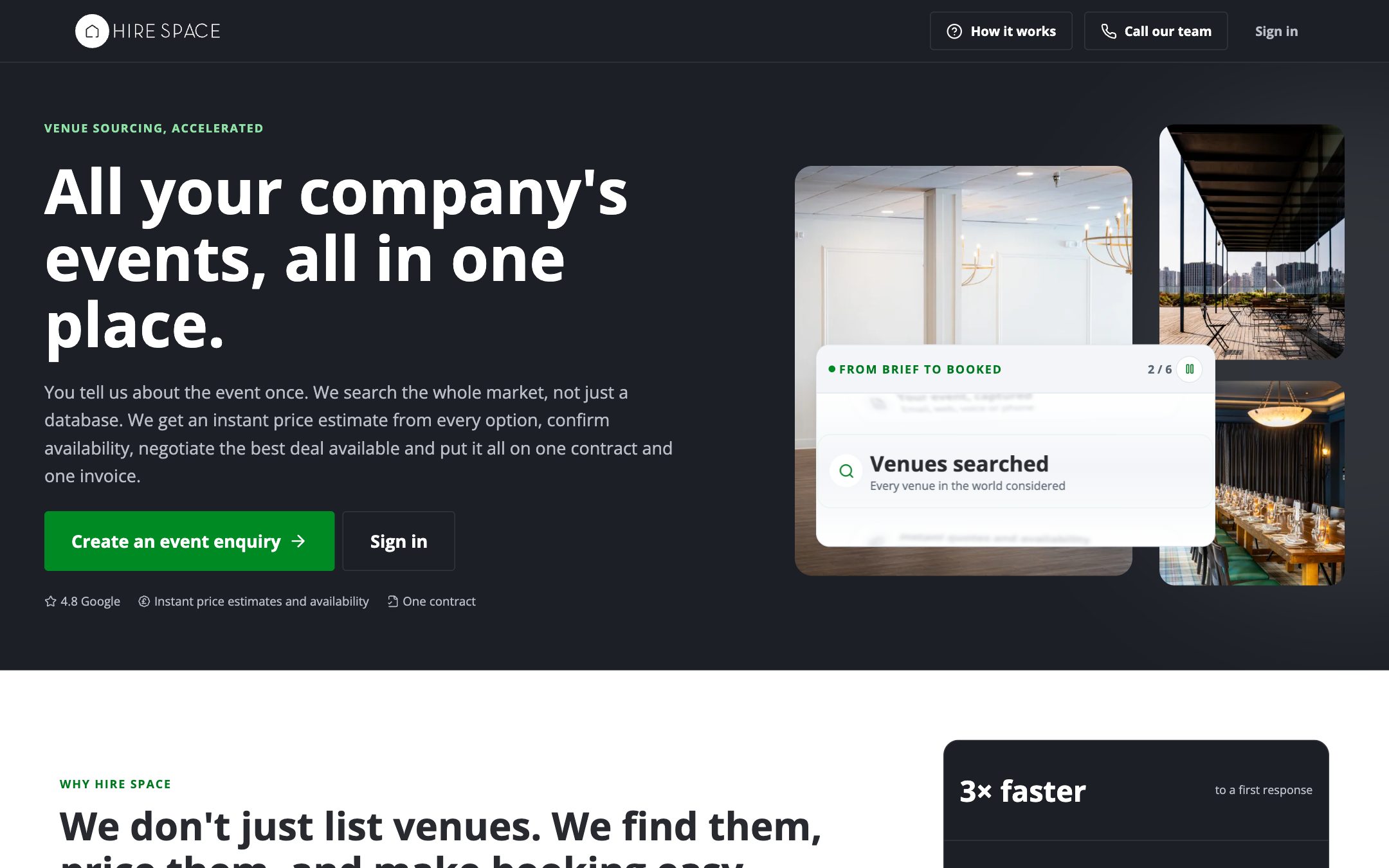
Tell us about your event in one short form and we'll start finding venues. You don't need an account to start. This tour follows someone new to Hire Space from the home page to their event's brief: click the highlighted parts of the screen to move on, or use the arrow keys.
Tell us about your event in one short form and we’ll start finding venues. You don’t need an account to start: we save your enquiry first and set up your account straight after.
Who can use it
- No account yet: start from the Hire Space home page. We save your enquiry, then you create a free account.
- Signed in, no company agreement: you can start an enquiry when you have none open. See Start another enquiry.
- Preferred clients and Hire Space 360 clients: start one whenever you like, from New Event, Start an enquiry on Home or Create Event Enquiry on My Events.
Why start your enquiry on Hire Space
- You describe your event once. Your brief drives what comes after it: suggested venues are matched to it, and every venue you add gets an instant quote for the same dates, guests and budget.
- Every step stays in one event. Venues, replies and, where your event has them, proposals, contracts and payments each have a stage on the same event, so you can always see where it’s up to.
- Your colleagues can follow it. If your company uses teams, each event belongs to one, and everyone in that team sees it in My Events.
- Your company’s rules are checked for you. If your company is on Hire Space 360 and has an event policy, we check your brief against it, and an event that needs approval waits for it before any venue is contacted.
Start without an account
- Go to home.hirespace.com and click Create an event enquiry.
- In Let’s start your enquiry, enter your Work email.
- Fill in Event name, Where, Dates, Occasion and Attendees.
- Click Continue.
Your enquiry is saved and our team has it straight away. Next, we check whether your email already has a Hire Space account:
- New to Hire Space: click Create an account to continue. It’s free and takes a minute.
- You’ve used Hire Space before: we ask you to sign in instead, with Sign in to continue.
If you don’t click, account set-up or sign-in opens by itself after 15 seconds.
Create your account
- On the sign-up page, click Sign up with Google or Sign up with Microsoft Account, or enter your email with a password you choose and click Sign up.
- If you signed up with an email and password, we email you a five-character code. Enter it under Verification code and click Verify and continue. Signing up with Google or Microsoft skips this step.
Your event then opens at its brief, with everything you entered on the home page already filled in.
Code not arrived? It can take a minute. Check your spam or promotions folder, or click Send a new code. A code works for 15 minutes.
Start when you’re signed in
- Sign in at home.hirespace.com. In the sidebar, click New Event. You can also click Start an enquiry on your Home page or Create Event Enquiry on My Events.
- In Create event enquiry, fill in Event name, Where, Dates, Occasion and Attendees. We use the email you’re signed in with.
- If you see Team, check the team that’s running the event. It starts on your own team, and you can change it later.
- Click Continue.
Your new event opens at its brief.
Team: you see it when your company uses teams. Admins can choose any team; everyone else creates the event in their own team.
Start another enquiry
If you’re signed in but your company has no agreement with Hire Space, you can start an enquiry when you have none open: we show You have no open enquiries and open the form for you.
While you have an open enquiry, signing in takes you to it, and New Event in the sidebar shows Upgrade / log in. To start another, sign out and use Create an event enquiry on home.hirespace.com with the same email, or talk to our Concierge team.
Fill in your brief
Your event opens at its Brief tab. Venues see what you write here.
- Under Describe the event, write what you need in your own words. Click Dictate to speak it instead.
- To add a brief document, floor plan or other file, click Attach file(s).
- To fill the form from what you wrote or attached, click Fill in the form from this description. Tick what you want to keep in What we read in your brief, then click the add button, for example Add 3 to the form.
- Check Event Name, Occasion, Location, the dates, Attendees and Budget.
- If your company uses event codes, open Advanced options and choose them under Event Codes.
- Optionally, under Venues you want us to include, add any venue you already have in mind.
- Click Continue to venues.
Preferred and Hire Space 360 clients, and enquiries Hire Space runs for you: you can add any venue in the world, including ones that aren’t on Hire Space. Other clients running an enquiry themselves can add venues on Hire Space and see Preferred or Hire Space 360 Clients only next to that option.
A venue that isn’t on Hire Space yet shows Building venue profile while we put its profile together. When it’s ready it joins your venues, and your brief goes to it with the rest. If we can’t find it, it shows Venue not found and your Hire Space team follows up.
If your account manager is running the event, Continue to venues first shows Next steps with your Relationship Manager, with their contact details.
What happens next
Your event moves through stages, shown as tabs along the top of the event. You start on Brief. What comes next depends on who’s running the enquiry.
When you run it yourself:
- Venues: find venues and add them to your event. See Find and add venues to your event and Use Deep Venue Research.
- Send brief: send your brief to the venues you chose.
- Messages: venues reply here, and you can message them.
- Proposal: review and compare proposals side by side.
- Contracts and Payments: request a contract, sign it and pay. See Sign contracts and pay online.
No company agreement: your event has Brief, Venues, Send brief and Messages. Proposals, contracts and payments for these events aren’t in Hire Space.
When Hire Space runs it for you: your account manager finds the venues and gathers the proposals. Your event has Brief, Venues, Proposal, Contracts and Payments, without Send brief or Messages. See Working with your account manager.
If your event needs bedrooms, a Hotels stage appears after Brief. See Hotels in your proposal.
Good to know
- Dates takes one date by default. Click More date options for List of potential dates, Multiple days in a row, Any given weekday in any given month or It’s complicated (describe your dates in your own words). Tick Flexible if the date can move.
- Where takes a city, an area or a venue name.
- Need bedrooms too? Select Bedrooms under Specific event requirements in your brief for a Hotels stage, or see Find hotels for your group.
- Nothing from Fill in the form from this description is added until you choose it. Anything we couldn’t set for you, such as an unclear date, is listed under You will need to set these yourself.
Troubleshooting
I started an enquiry with the wrong email.
Start again from the home page with the right email. If the saved page asks you to sign in to an account that isn’t yours, click Not you? Create a new account.
The link to my saved enquiry says it has expired.
For your security, those links only work for a short time. Your enquiry is still saved: click Sign in to find your event and sign in with the email you used.
The Messages tab is greyed out with “Event must contain a written description to proceed”.
Add a description under Describe the event, then continue.
Hire Space emailed to ask whether my event is going ahead.
We email you a week before your event and again the day after, so we can keep venues up to date and close enquiries that won’t happen. Reply with booked, not booked or booked elsewhere. One line is enough. See After you enquire.
A venue says it can’t accommodate my event.
Your other venues are not affected. Open your event and add more venues on the Venues stage, or ask your account manager to suggest alternatives. See When a venue can’t host your event.
Still need help?
Contact your account manager, or email our team.