Guided tour
Add hotel rooms to your enquiry
Ask for bedrooms on the same enquiry as your venue, then add hotels near it at checkout. Click the highlighted parts of the screen to move on, or use the arrow keys.
Earlier in this series: Find hotels for your group
If your event runs over more than a day, or people travel in for it, you’ll need bedrooms as well as a venue. You can ask for rooms on the same enquiry as your venue and add hotels near it before you send, so one Hire Space team handles both.
Who can use it
- No account yet: ask for rooms on any venue’s enquiry form or a hotel’s page and add hotels at checkout. We create your enquiry when you send it.
- Signed in with no company agreement, preferred clients and Hire Space 360 clients: the same, and the hotels appear on your event in the Hire Space client platform.
- Managed enquiries: your account manager finds rooms with you. See Hotels in your proposal.
Why add rooms to the same enquiry
- Hotels near your venue, with a price. Suggested hotels are close to your venue and show their stars, rooms and typical price per night in your month. Each hotel on your enquiry gets a room-block quote, as each venue gets an instant quote.
- You see which hotels can take your group. A hotel with enough rooms for your number shows Fits, for example Fits 60 rooms.
- No second enquiry. If you’ve already enquired about a venue and then ask a hotel for rooms for the same event, the rooms join your existing enquiry instead of starting a new one.
Before you start
Know how many rooms you need a night and how far from the venue they can be. To browse hotels first, see Find hotels for your group.
Ask for rooms with your venue enquiry
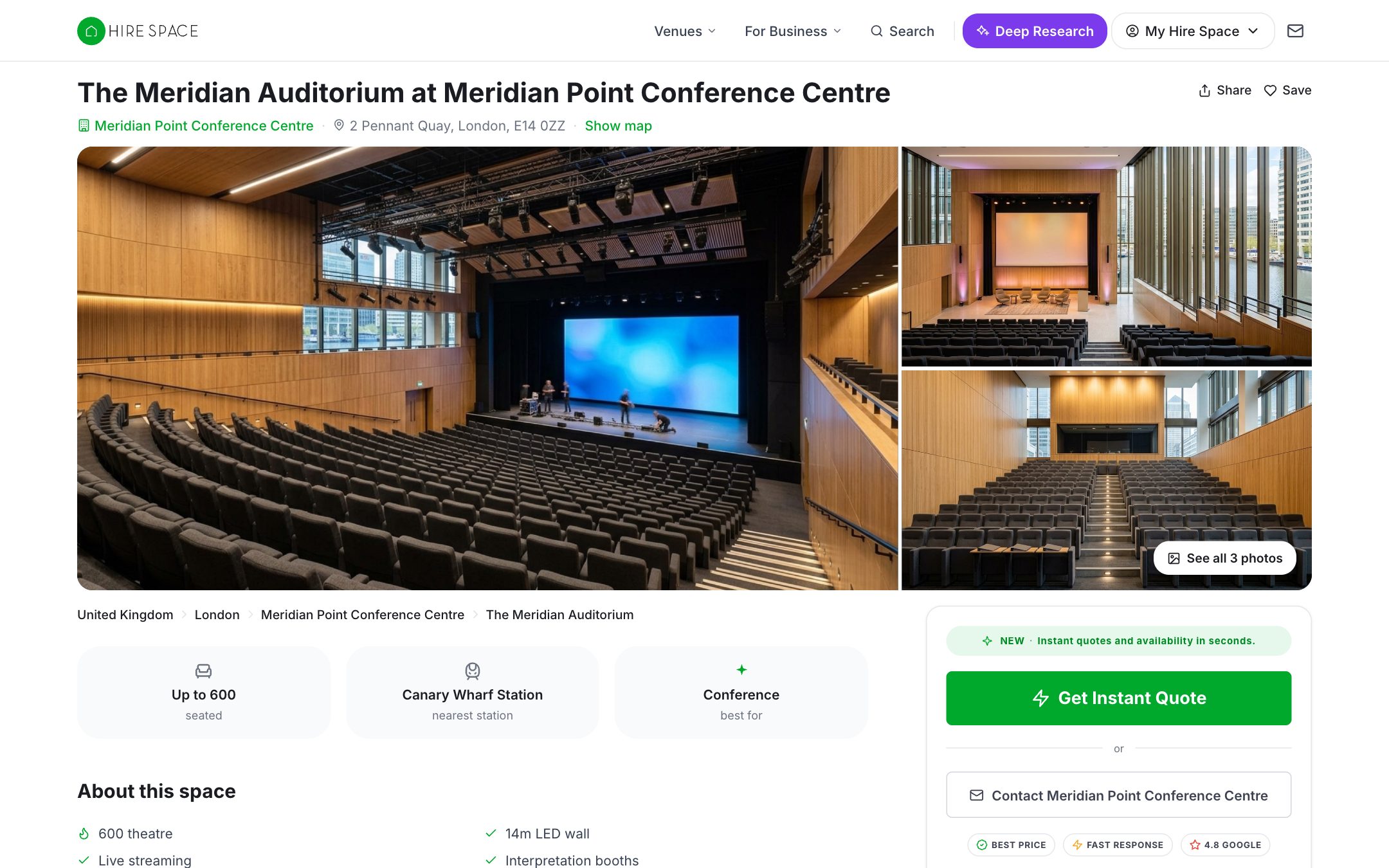
- On a venue’s space page on hirespace.com, click Get Instant Quote.
- On the first step, tick Requires bedrooms, fill in your event as usual, then click Next: Hotel details.
- Under Hotel requirements, choose:
- Max distance from venue: from 500 metres to 30 mins drive. On-site is offered only when the venue has its own hotel, and then the hotel sets the star rating.
- Rooms per night and Room type.
- Minimum star rating.
- Click Next: Describe your event and finish the form as usual.
You can also start from a hotel: on its page, click Get a quick quote and tick Also need event space? to add venues to the same enquiry.
Add hotels at checkout
When your enquiry has a hotel on it, the checkout page reads Add more hotels to your enquiry, or Add more venues and hotels to your enquiry when it has a venue too.
- Your hotels lists the hotels on your enquiry. Each shows its room-block quote once it’s ready, marked Estimate, confirmed on enquiry. Click Remove to take one off.
- Suggested hotels are nearby hotels, each with its stars, rooms and typical price per night in your month. Fits 60 rooms (your number) shows when a hotel has enough rooms, and Room count unconfirmed when we don’t know. Event space on site means the hotel is also a venue.
- Click Add to enquiry on any hotel you’d like. It changes to Added to enquiry. Click it again to take it off.
- Click Continue to send your selection.
Venues get instant quotes and calls. Hotels get your room request, and their prices stay estimates until each hotel confirms.
What happens next
The hotels reply to your room request. If you have an account, they appear on your event next to your venues. See Hotels in your proposal.
Good to know
- How room-block quotes are worked out: see Find hotels for your group.
Troubleshooting
- “No hotels matched this brief yet”: you can still continue. Your concierge will look for rooms nearby.
- “We couldn’t load hotel suggestions”: click Try again.
- A hotel says “Add your event dates for a room price.”: a room-block quote needs dates. Add them with Revise brief.
Still need help?
Contact your account manager, or email our team.