Guided tour
Hotels in your proposal
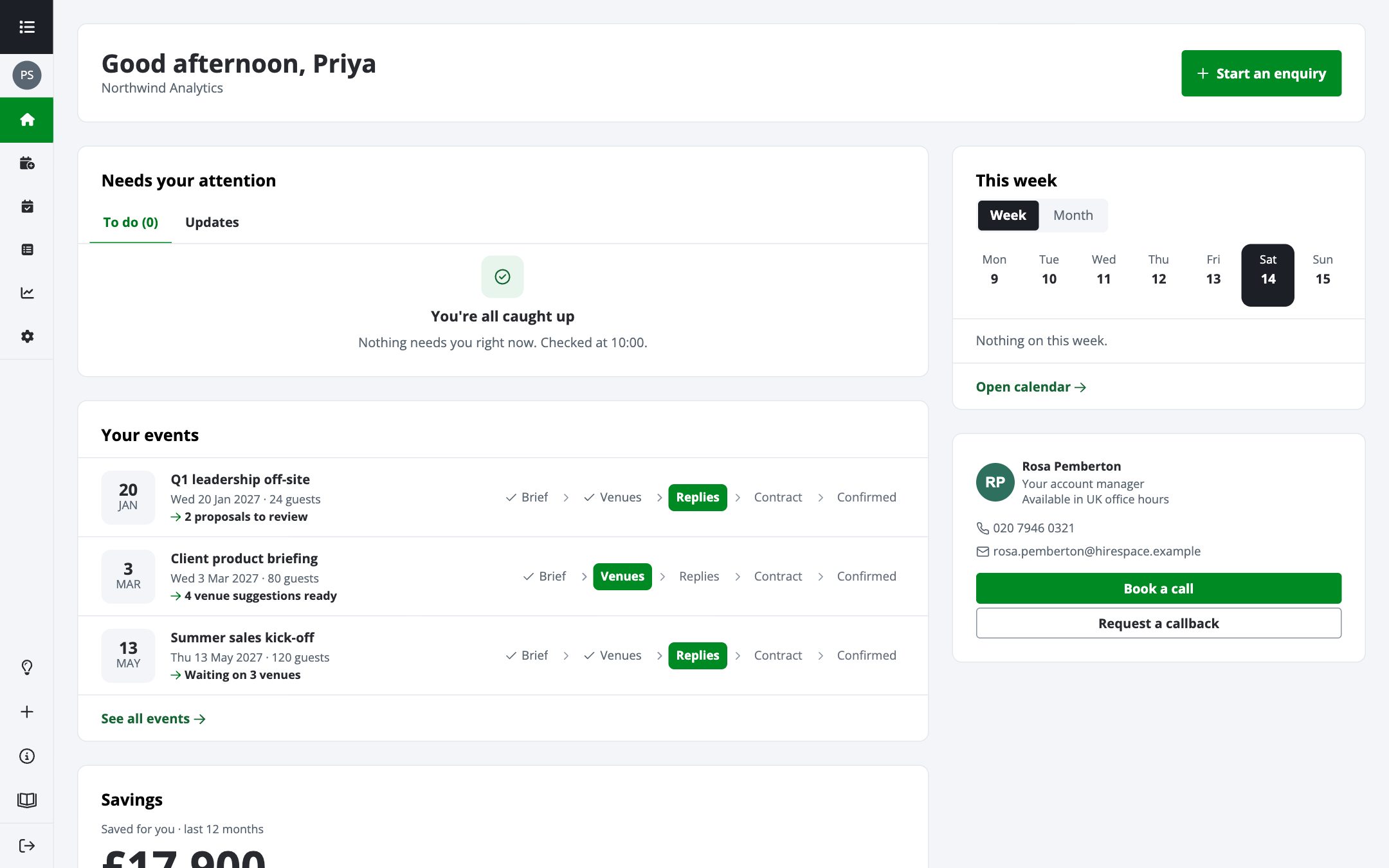
When your event needs bedrooms, hotel options sit in your proposal next to your venues, so you can compare and share them in one place. Click the highlighted parts of the screen to move on, or use the arrow keys.
Earlier in this series: Start an enquiry, then Review and compare proposals
When your event needs bedrooms, hotels sit in your event next to your venues: suggested, compared and shared in the same places, from the Hotels stage to your proposal and its PowerPoint.
Who can use it
- Hire Space 360 and preferred clients: everything here, including Download as PowerPoint on every proposal.
- Signed in with no company agreement: the Hotels stage on your event. When Hire Space runs the enquiry, you also get hotel options on the proposal, sharing it and Download as PowerPoint.
- Managed enquiries: your account manager adds hotel options to your proposal and presents them with your venues.
- No account yet: ask for rooms on hirespace.com, when you add hotel rooms to your enquiry for a venue or find hotels for your group.
Deep research and adding a hotel that isn’t on Hire Space are for preferred and Hire Space 360 clients only.
Why keep hotels with your venues
- Compare everything together. Hotels sit on the same proposal as your venues. In Table they show as Hotel rows beside your venues, and a hotel on the same site as a venue shows Rooms for that venue.
- See a price before hotels reply. Each hotel shows a typical nightly price for your month, and a room block can get an instant quote: an estimate range based on recent rates or past bookings.
- Share and present one set of options. People you share the proposal with see your hotels too, and Download as PowerPoint gives each hotel option its own slide.
- Book rooms the way you book a venue. Request a contract, hold dates or ask for a site visit from the hotel’s card.
Before you start
Your event needs a brief. See Start an enquiry.
Get the Hotels stage on your event
- Open your event and go to Brief.
- Under Specific event requirements, select Bedrooms.
- Fill in the Bedroom requirements you know: Rooms per night, Room type, Min star rating and Max distance. You can leave any of them for later.
- Save the brief. A Hotels stage appears in your event, next to Venues.
If you clear the bedrooms from the brief, the Hotels stage disappears and you’re taken back to the brief.
Find and add hotels on the Hotels stage
The Hotels stage works like Venues. Under Add more hotels to your event, choose how to look:
- Suggested hotels: quick picks matched to your brief.
- Search yourself: on a map or as a list, filtered by distance, stars, rooms and Typical price for your month.
- Deep research: a fuller search, which takes about 20 minutes.
- Add hotel by name: when you know the hotel. If it isn’t on Hire Space yet, you can add it.
The first time you open the Hotels stage, we start finding hotels that match your brief. This can take a minute or two. Select More suggestions for a fresh set. The cards you can see stay up while the new set is found.
Each hotel card shows its stars, rooms, distance and a typical price per night for your month, labelled Estimate. Has event space means the hotel has meeting rooms. Click Add to enquiry to add a hotel to your event.
Hotels you’ve added appear under Selected hotels, each with its Quote / Estimate, and an Estimated room block for your busiest night across them.
Compare hotel options in your proposal
Open Proposal. When your proposal has more than one kind of option, hotels sit under their own Hotels heading, below your venues.
Each hotel card shows:
- the star rating and number of rooms
- the room block, for example 60 rooms × 1 night, and the room types if your brief gives them
- check-in and check-out
- Rooms for a venue on your proposal, when the hotel and the venue are on the same site
- the price: an instant quote for the room block, the hotel’s own quote, a typical nightly Estimate or Quote not received yet
An instant quote for a room block is an estimate range based on the evidence it shows, such as recent rates or past bookings. It isn’t a confirmed rate or a hold on any rooms.
Switch to Table to compare hotels and venues side by side, or Map to see where they are. In Table, hotels show as Hotel rows. On Map, each hotel is pinned with its price.
How a room-block quote reads
A room-block quote is always a range, for example £9,900 to £11,940 for 60 rooms × 1 night. Under it you’ll see:
- the price per room per night, also as a range
- the VAT position: Includes VAT, Excludes VAT or VAT not yet known
- “Based on” another month, when we had no rates for your month and used the nearest one
- the label Estimate, confirmed on enquiry
If your brief doesn’t give the number of nights, the quote shows a per-night price and no total. If your event has no dates yet, you’re asked to add them, because a room price needs dates.
A rate can also carry a badge: High confidence, Medium confidence or Indicative.
We check each hotel’s live rates at several check-in dates every month. A live rate is only used when we’re sure it’s the same hotel. Most business hotels on Hire Space have 12 months of nightly rates built this way.
The hotel confirms the rate and its availability when it replies to your enquiry.
Act on a hotel option
From a hotel card you can:
- See details to open the hotel’s page
- Message hotel, when someone at the hotel can reply on Hire Space
- Request contract, once the hotel has a quote
- Hold dates, once your event has a date, and Site visit, as on a venue card
Asking to hold dates isn’t a booking. The hotel still has to confirm.
Share hotel options and download them as PowerPoint
When you Share your proposal, colleagues see your hotel options too, each with Overview, Pricing and, where we know where the hotel is, Map.
Download as PowerPoint builds a deck of your proposal in your company’s branding, with a slide for each hotel option alongside your venues.
Hire Space 360 and preferred clients can download any proposal as PowerPoint. Other accounts can download it when Hire Space runs the enquiry for you.
What happens next
When a hotel has quoted, request its contract the same way as a venue’s. See Sign contracts and pay online.
Good to know
- Hotels added on hirespace.com, at checkout, appear on your event too. See Add hotel rooms to your enquiry.
- Prices on hotel cards are typical rates for your month until a hotel quotes.
Troubleshooting
- There’s no Hotels stage: your brief doesn’t ask for bedrooms yet. Select Bedrooms under Specific event requirements.
- “We couldn’t load your hotels.”: click Try again.
- I can’t download the PowerPoint: see who can use it above, or ask your account manager.
Still need help?
Contact your account manager, or email our team.