Guided tour
Work with your account manager
Your account manager can run an event for you: the shortlist, the site visits and the negotiation. This tour shows how to add them, what changes and how to take the event back. Click the highlighted parts of the screen to move on, or use the arrow keys.
Earlier in this series: What is Hire Space 360?, then Start an enquiry
Your account manager is the person at Hire Space who can run an event for you. They build the shortlist with real pricing and confirmed availability, run the site visits and handle the negotiation. You see everything they do, and you can take the event back until work has started.
Who can use it
- Hire Space 360 clients: every event has the account manager panel. Your company’s agreement sets when an account manager is included and the rate when they aren’t.
- Preferred clients: the same panel, with your agreed rate.
- Signed in with no company agreement: you run your enquiries yourself. To have Hire Space run one, talk to our Concierge team.
- Managed enquiries: if Hire Space already runs your event, your account manager is named at the top of it.
Why hand an event to your account manager
- You don’t chase venues. Your account manager contacts them for you, so Send brief and Messages drop off the event and you have no replies to keep track of.
- You get a recommendation. Quotes arrive on the event’s Proposal tab with the venue your account manager recommends and why.
- The legwork is done for you. They arrange site visits and hold dates with the venue, and handle the negotiation.
- It can cost nothing. When your event’s budget clears your threshold, an account manager is included at no fee. You can still take the event back until work has started.
Before you start
- Open the event at home.hirespace.com. See Find your way around.
- Add a budget or a guest count to your brief. Until then, the panel can’t say whether an account manager is included, and you can’t add one.
Add your account manager to an event
- Open the event from Your events on your Home page.
- Read the dark panel at the top. You’re running this venue enquiry yourself means you are. A green Included, no fee label means an account manager costs nothing on this event.
- Click Add your relationship manager.
The panel now says your account manager is managing the event, and the switch says Hire Space managed.
When it’s included, and what it costs when it isn’t
An account manager is included at no fee when your event’s budget, before VAT, clears a threshold. The threshold depends on the country the event is in, and your company’s agreement may set its own. The panel on your event shows whether it’s included.
On a smaller event, an account manager is charged at an hourly rate, set in your company’s agreement. Click See details for an estimate of the hours. We agree the hours with you before anyone starts. Talk to our account team about lower rates books a call.
What changes when your account manager runs the event
- Send brief and Messages disappear from the top. Your account manager contacts the venues for you.
- Click See details in the panel to see why it’s included (your budget against the threshold for the event’s country) and the steps ahead: Complete brief, Review proposal, Contracting and Payment.
- Quotes arrive on the Proposal tab, with the venue your account manager recommends and why. See Review and compare proposals.
Run an event yourself
- In the panel, turn the switch off.
- The switch says Currently self-managed, and Send brief and Messages come back.
You then send your brief to venues yourself. See Send your brief to venues.
What happens next
Your account manager gets in touch about your brief, then contacts the venues. Their quotes come to your Proposal tab for you to compare. See Review and compare proposals.
Good to know
- The tabs change as soon as you flip the switch. If the change can’t be saved, everything goes back and a message says so.
- When you first continue from a new brief on a managed event, Next steps with your Relationship Manager shows how to reach them: email, phone and office hours.
- In the app, the panel’s button and the next steps dialog still say relationship manager. They mean your account manager.
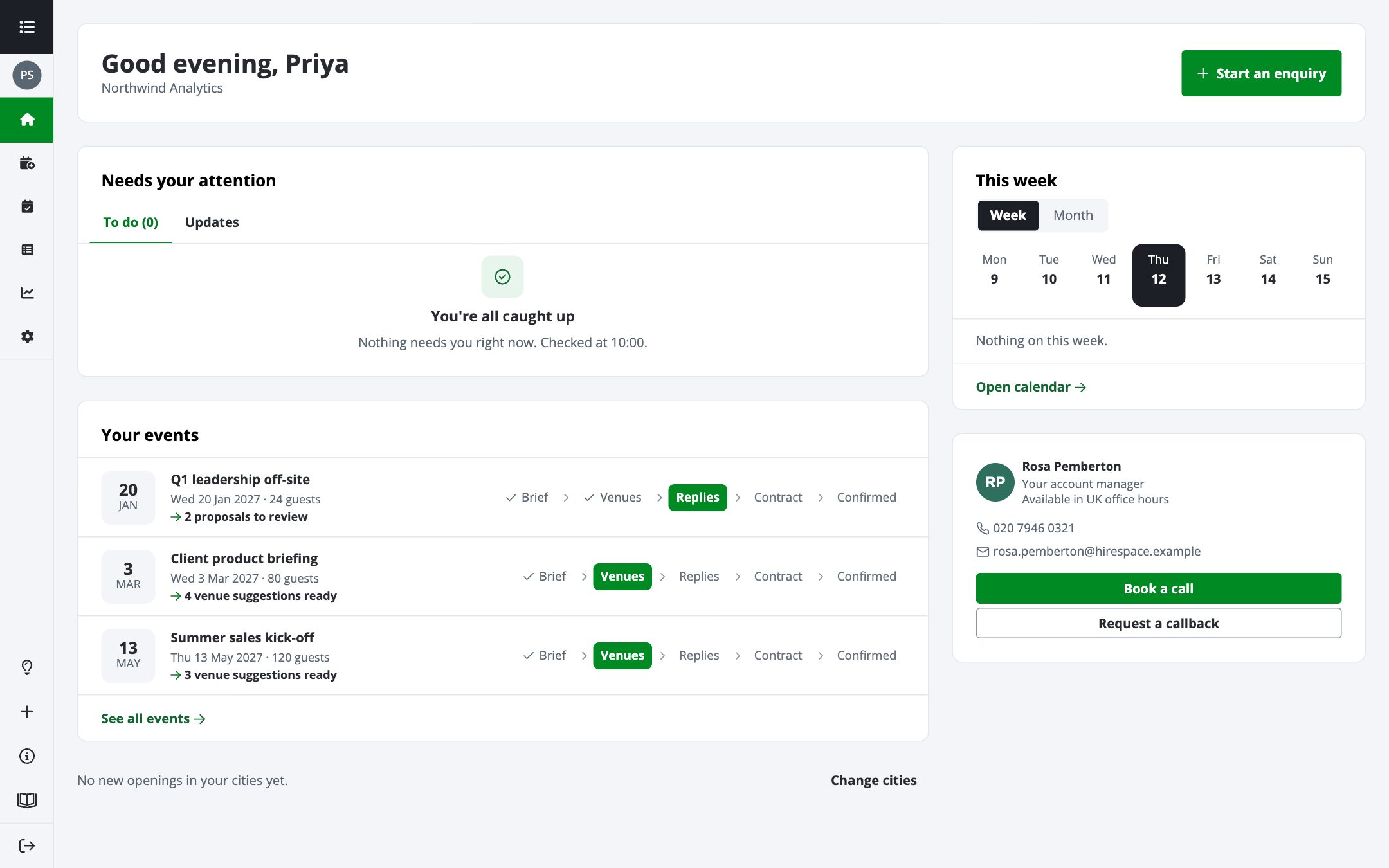
- Your Home page shows the account manager who looks after your company’s account. The panel at the top of an event names the account manager running that event. It’s usually the same person.
Troubleshooting
- There’s no account manager panel: your company may not have an agreement with Hire Space, or the panel has been turned off for this event. Ask the account manager on your Home page.
- I can’t add an account manager: add a budget or a guest count to your brief first.
- The switch won’t turn off: once work has started, an event can’t be handed back. The panel says so when that’s the case.
Still need help?
Contact your account manager, or email our team.