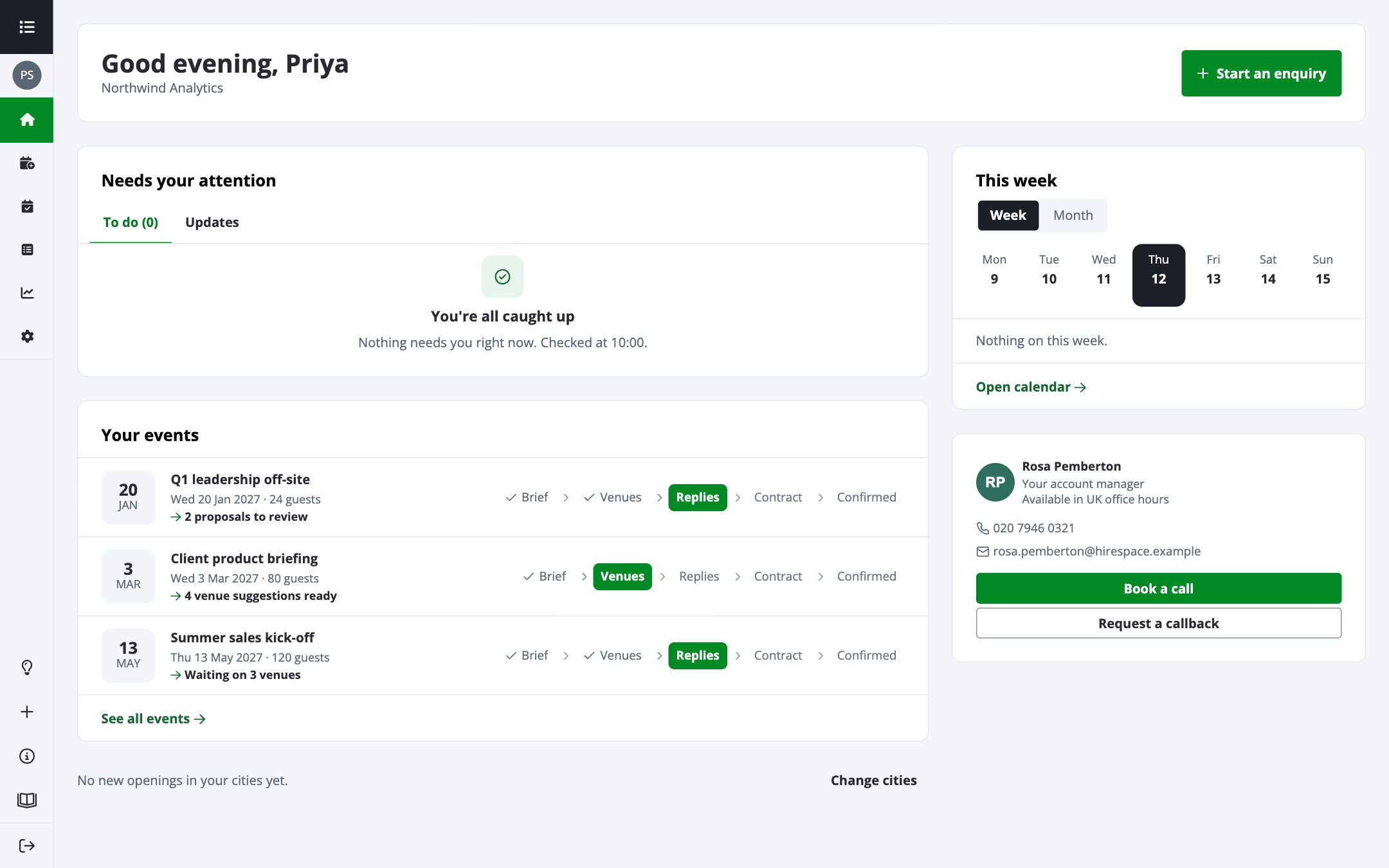
Guided tour
View venue details
Check a venue before you add it, then see everything about it once it's in your proposal. Click the highlighted parts of the screen to move on, or use the arrow keys.
Earlier in this series: Start an enquiry, then Find and add venues
You can look at a venue in two places: a quick See details view while you’re choosing venues, and a full venue page once it’s in your proposal. Both help you check a venue fits before you add it or book it.
Who can use it
- Everyone signed in: the quick view, on your event’s Venues stage and on Venue Shortlists.
- Preferred clients, Hire Space 360 clients and enquiries Hire Space runs: the full venue page, from the Proposal stage.
Why check a venue’s details
- See if it fits before you ask. Photos, capacity, the nearest station, guide prices, what’s included and the venue’s FAQs help you rule a venue in or out before you send your brief.
- Everything in one place once it’s quoted. The full page has the venue’s quote line by line (or its instant quote while you wait), its capacities by layout, its food and drink options and any files it has shared, such as menus and floor plans.
- Act from the same page. Request a contract, message the venue or share it without going back to your list.
Check a venue before you add it
- Sign in at home.hirespace.com and open your event from Your events on your Home page.
- Click Venues along the top.
- Click See details on any venue: on your list, in Suggested venues or in your search results.
- Scroll through the photos, Space description, Venue guide prices, What’s included, Frequently asked questions and Location.
If a venue isn’t on your enquiry yet, add it from the bottom of the view. Close the view to go back.
Open a venue’s full page
Once a venue is in your proposal, its full page has everything about it.
- Click Proposal along the top of your event.
- On the venue’s card, click See details.
- Use the tabs:
| Tab | What you’ll find |
|---|---|
| Summary | Total cost, the space, capacity, address and description. |
| Pricing | The venue’s quote, line by line, or an instant quote while you wait for one. |
| Features | Capacities by layout, food and drink options and what the space offers. |
| Map | Where the venue is. |
| Attachments | Files the venue has shared, such as its proposal, menus and floor plans. |
From the venue page you can also Request contract, Message the venue or Share it. See Review and compare proposals and Sign contracts and pay online.
What happens next
Compare your venues’ quotes side by side. See Review and compare proposals.
Good to know
- If a venue has no current price list, Venue guide prices says so. Its instant quote and the venue’s own quote are what to compare.
- Features and Attachments only show what the venue has given us.
Still need help?
Contact your account manager, or email our team.