Guided tour
New venue openings
See venues that have just opened or been refurbished in the cities where you organise events. Click the highlighted parts of the screen to move on, or use the arrow keys.
Earlier in this series: Your Home page
New openings shows venues that have just opened, or reopened after a refurbishment, in the cities where you organise events. It’s on your Home page, with a full page of every recent opening, so you can find somewhere new before you have an event for it.
Who can use it
- Hire Space 360 clients: New openings on Home and the full page.
- Preferred clients: New openings on Home and the full page.
- Signed in with no company agreement: not available in the Hire Space client platform. Browse venues on hirespace.com, where new venues carry a New opening stamp.
- Managed enquiries: if you’d like a new opening considered for your event, tell your account manager.
Why follow new openings
- New and refurbished venues in one place. Venues that opened or reopened in the last 12 months, or are due to in the next 12, are gathered for the cities you follow, so you don’t have to track openings yourself.
- Only what’s relevant to you. Follow up to 10 cities and narrow to conferences, meetings, dinners or parties.
- Go from a card to an enquiry. Enquire on a card lets you start an enquiry with the venue already added and the area filled in.
- See what’s on at the venue. If Hire Space is running an event there, or the venue has an offer open to you, the card shows it. See Hire Space events and venue offers.
Before you start
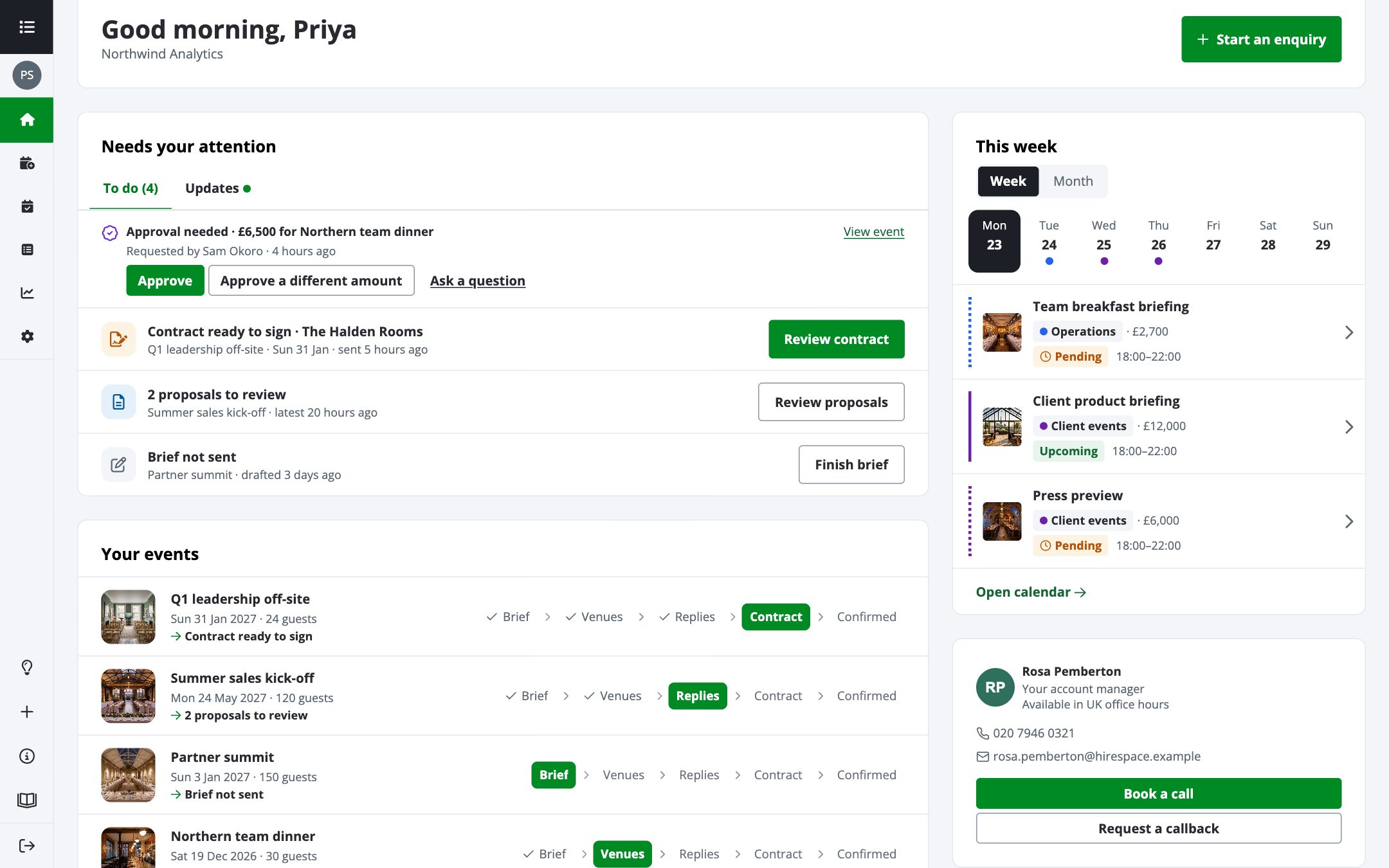
Sign in at home.hirespace.com. New openings is on Home, under your events.
Read an opening
Each card shows the venue’s photo, a New opening or Refurbished stamp, its area, when it opened and the most guests it holds. A venue that opened in the last 12 months says Opened with the month. A venue due to open in the next 12 months says Opening with the month it’s due. A refurbished venue says Refurbished with the month, or Reopening if it hasn’t reopened yet. When only the year or quarter is known, the card shows that instead.
If Hire Space is running an event at the venue, or the venue has an offer open to you, the card shows it too.
Click a card to open the venue’s page on hirespace.com in a new tab. To ask the venue about an event, click Enquire on its card. This opens Create event enquiry with the venue added and the area filled in.
Choose your cities
New openings follow the cities you pick. Until you choose, we suggest cities from your events or your company’s events, or start you on London.
On Home, the heading reads New openings in your cities, or New openings in your city’s name if you follow one city.
- Select Change cities (or Pick cities if you haven’t chosen any).
- In Change cities, type at least two letters of a city and choose it from the list. You can follow up to 10 cities.
- Select Save cities.
Narrow what you see
- If you follow more than one city, choose a city chip, or All cities.
- Choose Conferences, Meetings, Dinners or Parties to see venues suited to that kind of event, or All.
See every opening
Home shows the newest eight. Select See all new openings or See all refurbishments for the full list of each, from the last 12 months and the next 12, newest first, month by month. It keeps the chips you chose, and you can bookmark or share the address. Select Back to Home to return.
What happens next
When you have an event the venue could suit, add it by name. See Find and add venues.
Good to know
- A new venue without photos yet shows a plain tile instead of a photo.
- Venues also offer dates to host Hire Space 360 and preferred clients, a way to visit a new venue before you have an event for it.
Troubleshooting
- Home shows a line instead of cards: the cards show once there are at least three openings across your cities. With fewer, Home says how many there are, such as “2 new openings in your cities.” or “No new openings in your cities yet.”, with See all new openings or See all refurbishments where there are any. Select Change cities to add another city.
- No new openings for this type of event yet: choose All, or another city.
- I can’t see New openings at all: pick your cities first. New users can do this from Pick your cities in Getting started on Home.
Still need help?
Contact your account manager, or email our team.