Guided tour
Respond to a direct enquiry
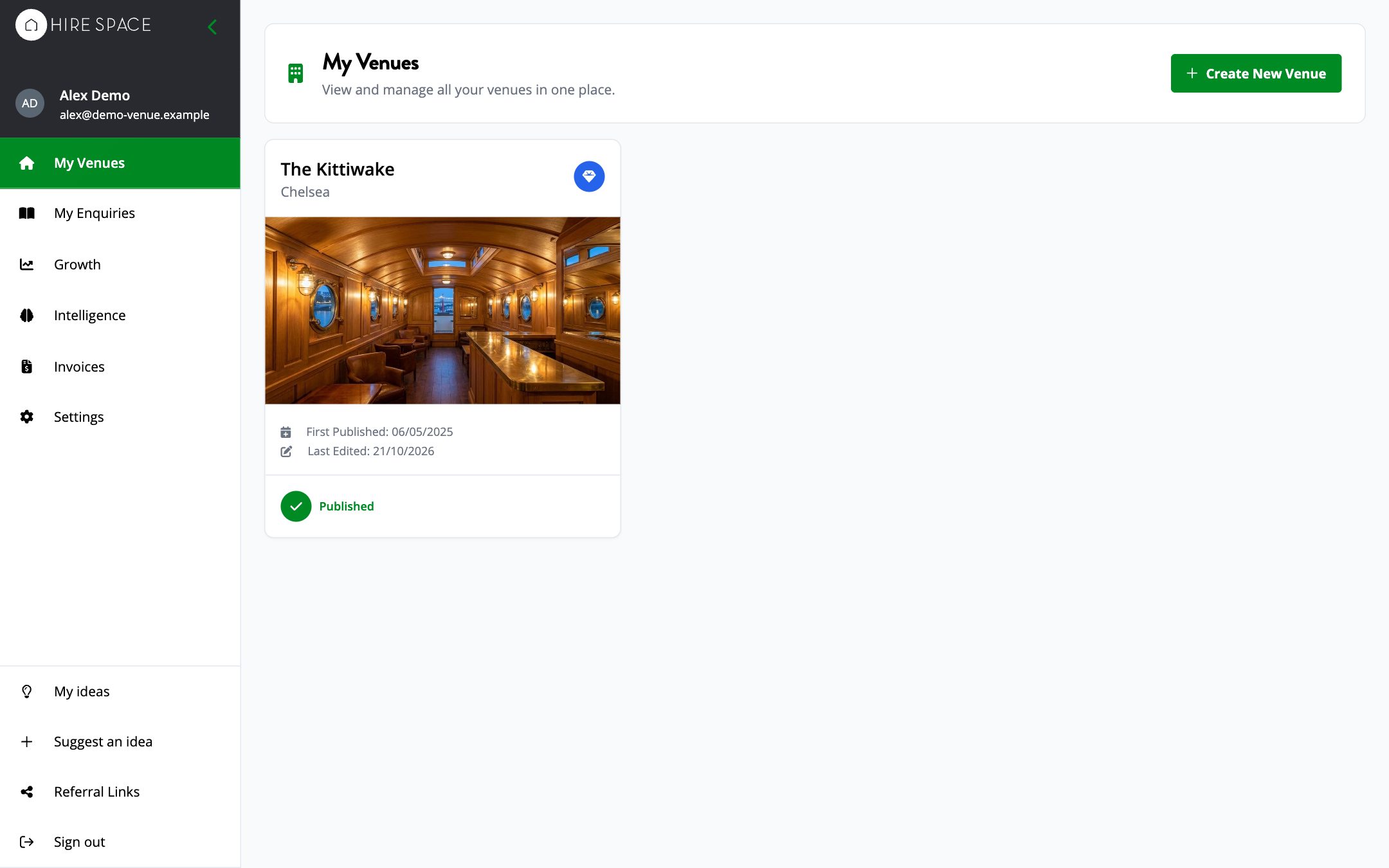
Reply to a client who enquired about your venue on Hire Space. This short tour shows you how to find the client's reply address in My Enquiries when you can't find the enquiry email: click the highlighted parts of the screen to move on, or use the arrow keys.
Read the video transcript
When a client enquires about your venue on hirespace.com, we email you the details. The quickest way to answer is to reply to that email. Your message goes straight to the client, and their answers come back to your inbox. If you can't find the email, you can reply from My Enquiries instead. You need an admin login for your venues. Here's how. In the sidebar, click My Enquiries. Then, under My Enquiries, click Direct Enquiries. Click the enquiry's row. At the top, you'll see the client's name and the enquiry reference. Click Copy Imogen's email. This copies the client's reply address, which ends with reply.hirespace.com. Now paste the address into a new email in your own inbox. Put the enquiry reference in the subject, write your response and send it. To read the whole email thread, click See conversation history. Every email on the enquiry is here, and the client's emails show the client as the sender. When the client writes back, their reply arrives in your inbox from their name via Hire Space. Reply to it the same way. Reply within 1 working day. Once you've agreed the booking, let us know it's booked. The help article has the steps.
When a client enquires about your venue on hirespace.com, we email you the details. Reply to that email and your message goes straight to the client.
Who can use it
- Anyone who receives your venue’s enquiry emails can reply to them. To use My Enquiries, you need an admin login for the venue. See Manage admins.
Before you start
- Make sure Hire Space emails reach your inbox. Allow emails from the domains hirespace.com and reply.hirespace.com, because enquiry emails and reminders come from more than one address. See Not receiving enquiry emails.
Reply to the client from the enquiry email
This is the quickest way to answer a new enquiry. Your reply goes straight to the client, and their answers come back to your inbox.
- Open the new enquiry email from Hire Space.
- Click Reply. Check the reply address starts with the client’s name and ends with @reply.hirespace.com.
- Write your response and send it. It is forwarded to the client in full.
- When the client writes back, their reply arrives in your inbox from “[client name] via Hire Space”. Reply to it the same way.
Reply from My Enquiries instead
Use this if you can’t find the enquiry email. You copy the client’s reply address from the dashboard and email them from your own inbox.
- In the sidebar, click My Enquiries, then Direct Enquiries.
- Click the enquiry’s row.
- Click Copy [name]‘s email and paste the address into a new email in your own inbox. The address isn’t shown on screen, so check it after pasting: it should end with @reply.hirespace.com.
- Put the enquiry reference in the subject, write your response and send it.
Tell us when the enquiry books
Once you’ve agreed the booking with the client, let us know so it’s logged against your venue. After the event, we invoice our commission on the final spend.
- Confirm the booking, fees and quote with the client yourself.
- When we email before the event to ask whether it is going ahead and the contracted amount, reply to that email to let us know it is booked.
- When our accounts team emails you for the final spend after the event, reply within 7 days of the event with a copy of your invoice and your contract with the client.
We invoice our commission at the rate agreed in your venue terms, on the final spend before VAT. Any service charge that isn’t optional counts towards the final spend. Only an optional, discretionary service charge that you pass on to your staff is left out. See How commission and payments work.
Good to know
- Reply within 1 working day. Clients often book the first venue that answers. You will get reminders, and our team may call you, if you have not replied. After 3 working days without a reply, we close the enquiry and email you to say so. The client sees it as archived. You can still reply to the client’s email to reopen it.
- Reply as fast as you can. The faster you reply, the more likely the enquiry becomes a booking: clients often contact several venues, and the first good answer tends to win.
- Replying to a direct enquiry, or accepting contact from the client about the event in any other way, means you’ve taken the enquiry under our venue terms. See When commission applies.
- Every email about an enquiry has the enquiry reference in the subject, so you can search your inbox for it.
- If an enquiry is still open as the event date gets close, we email you to ask whether it is going ahead. You can decline it from that email or send us the contract or first invoice.
- You can read the whole email thread for an enquiry in My Enquiries. The client’s emails show the client as the sender. See Manage enquiries in My Enquiries.
Troubleshooting
The client never received my reply.
You probably replied to a Hire Space address rather than the client’s reply address. Messages sent to Hire Space reach our support team, not the client. Reply to the client’s address ending @reply.hirespace.com, or copy it from My Enquiries.
I spoke to the client by phone, but Hire Space says I haven’t responded.
We count email replies sent to the client’s address ending @reply.hirespace.com, and calls the client makes to you through Hire Space’s number. We can’t see a call you make to the client’s own number, or an email sent from outside the enquiry thread. After a call like that, send the client a short email in the enquiry thread confirming what you discussed, so the enquiry shows as answered.
I can’t take this enquiry.
Decline it so the client can move on. See Decline an enquiry.
Still need help?
Email the venue team and we will get back to you.