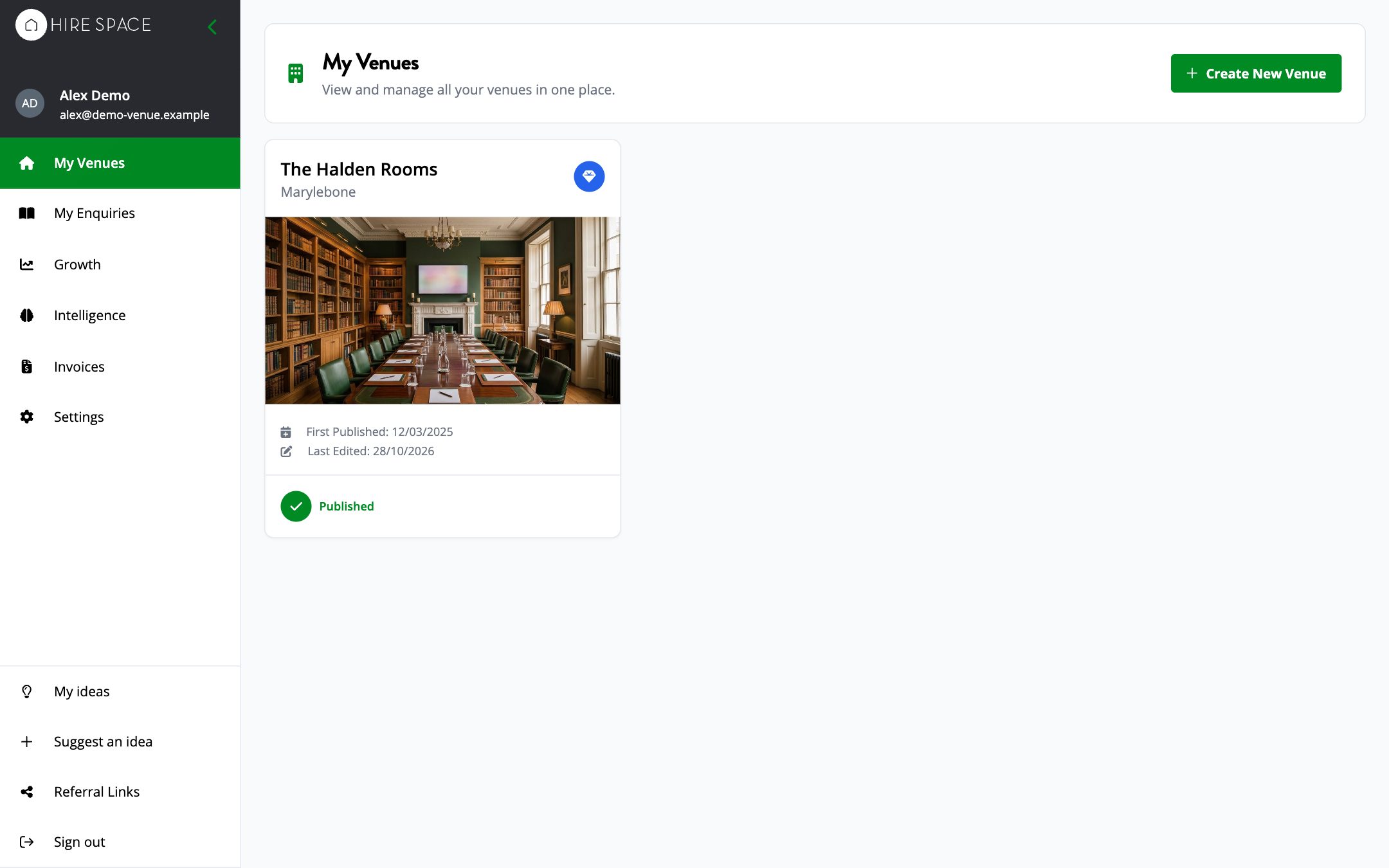
Guided tour
Decline an enquiry
If you can't take an enquiry, decline it as soon as you know, so the client can look at other venues. This short tour shows you how: click the highlighted parts of the screen to move on, or use the arrow keys.
Read the video transcript
If you can't take an enquiry, decline it as soon as you know. The client can then look at other venues, and the enquiry closes on your side. You need an admin login for your venues. Here's how to decline a direct enquiry, and what to do with a Concierge one. In the sidebar, click My Enquiries, then click Direct Enquiries. Click the enquiry's row. Then click Decline enquiry. In Reason for declining, choose No availability, Unsuitable enquiry, I'd rather not say or Other. If you choose Other, write your reason in the box below it. Then click Decline Enquiry. The enquiry's status changes to Lost, so it leaves the list of Pending enquiries. To find it again, click Status, then choose Lost. For a Concierge enquiry, click Concierge Enquiries in the sidebar, then the enquiry's row. There's no Decline enquiry button, because the account manager handles it for the client. Reply to the account manager's quote request and tell them you can't take it, or email venues@hirespace.com with the enquiry reference. That's how to decline an enquiry. If you can't host the event, you can send the client your referral link. The full steps, including the decline link in some enquiry emails, are in the help article.
If you can’t take an enquiry, decline it as soon as you know. The enquiry closes on your side and your enquiry list stays accurate.
Who can use it
- Any admin with access to the venue in your venue dashboard.
Decline a direct enquiry in My Enquiries
Use this for any direct enquiry you can’t take, so the client can move on quickly.
- In the sidebar, click My Enquiries, then Direct Enquiries.
- Click the enquiry’s row.
- Click Decline enquiry.
- In Reason for declining, choose No availability, Unsuitable enquiry, I’d rather not say or Other. If you choose Other, type your reason in the box that appears.
- Click Decline Enquiry. The enquiry’s status changes to Lost and it leaves your Pending list. There’s no confirmation message.
To find it again, choose Lost under Status.
Decline from the enquiry email
Some Hire Space enquiry emails include a decline link, so you can close the enquiry straight from your inbox. If yours doesn’t, decline from My Enquiries instead.
- Open the enquiry email from Hire Space.
- Click Decline Enquiry near the bottom of the email.
- If it opens a new email, send it without changing anything. The enquiry closes automatically.
Tell your account manager you can’t take a Concierge enquiry
Concierge enquiries have no Decline enquiry button, because the account manager handles them for the client. Tell the account manager or our team instead.
- Reply to the account manager’s quote request and tell them you can’t take it, or email venues@hirespace.com with the enquiry reference.
Good to know
- Decline even when the answer is a quick no. A prompt decline keeps the client’s experience good and keeps your enquiry list accurate.
- Before you decline, check whether another space or date could work. See Propose alternatives and win more business.
- If you can’t host the event, send the client your referral link so they can find another venue through Hire Space. You earn 20% of the commission Hire Space earns on that booking, paid once the event has happened and we have been paid. See Refer the enquiries you can’t take.
- If you keep declining the same kind of enquiry, set Qualification Criteria so those enquiries stop reaching you.
- If a Concierge client chooses another venue, your account manager may email you in the enquiry thread to say the event is not going forward, with the reason.
- When a client closes an enquiry and gives a reason, we pass it on by email. Look over these reasons every few months. If many clients mention price, for example, it may be time to update the pricing on your profile.
Troubleshooting
Clicking the decline link in an email does nothing.
Your browser or computer has no default email app set for email links. Decline from My Enquiries instead, or reply to the enquiry email and tell us you’re declining.
There’s no Decline enquiry button.
The enquiry is already Lost, or it is a Concierge enquiry. Concierge enquiries are declined through your account manager.
Still need help?
Email the venue team and we will get back to you.