Guided tour
Respond to a Concierge quote request
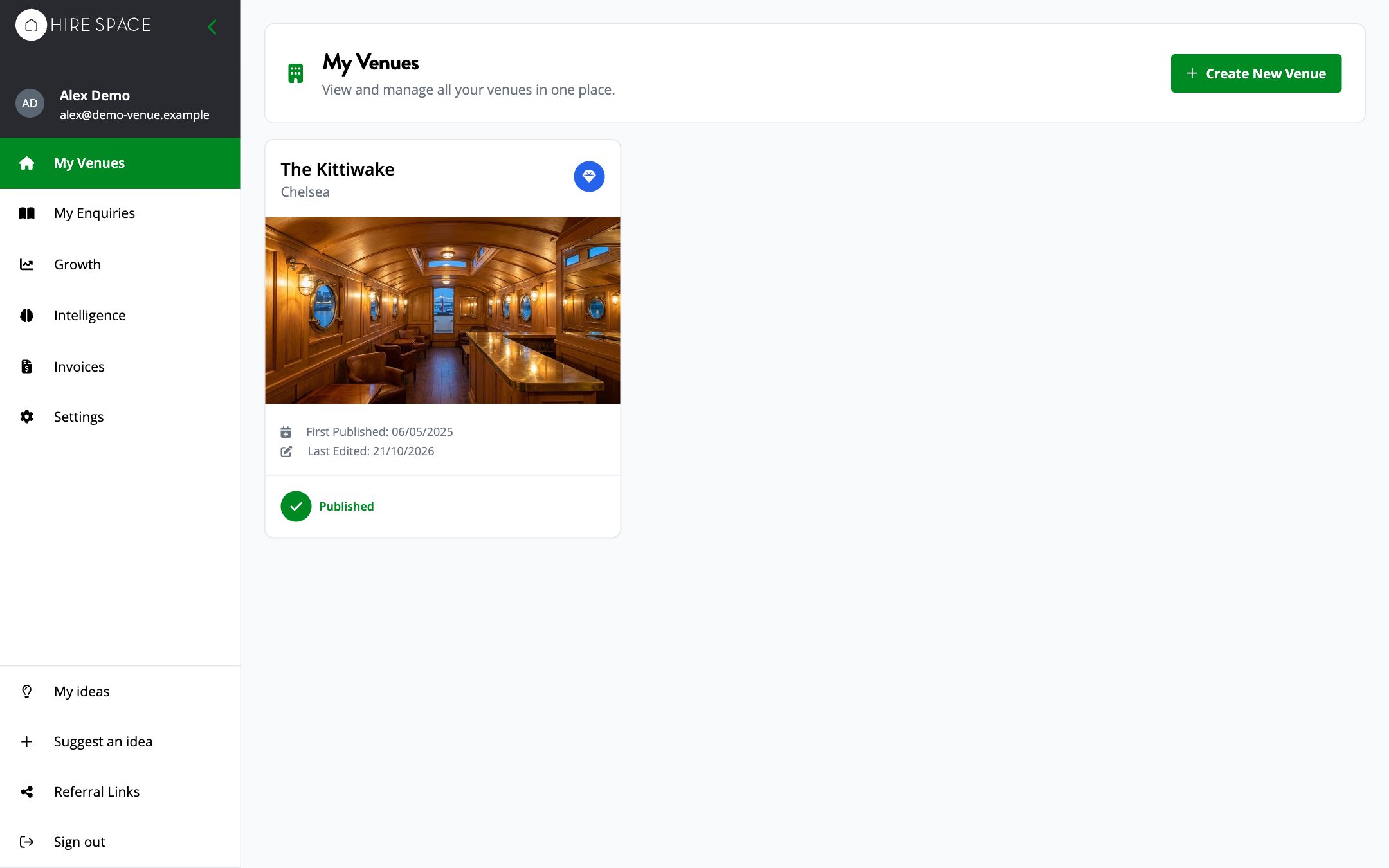
Send your quote and availability when a Hire Space account manager asks, so your venue can be proposed to their client. This short tour shows you how to answer from My Enquiries: click the highlighted parts of the screen to move on, or use the arrow keys.
Read the video transcript
When a Hire Space account manager is working on a client's brief, they ask suitable venues for a quote before proposing them. Every venue can receive these requests. Venues on Growth Core get preferred access, and Growth Prime venues even more so. You need an admin login for your venues. Here's how to send your quote from My Enquiries. In the sidebar, click My Enquiries. Then click Concierge Enquiries. Click the enquiry's row to read the brief. Here are the date, budget and guests, and the client's requirements. The account manager is shown as the Agent. Click Respond to Brief. Your response goes to the account manager, who forwards it to the client on your behalf. In the first box, choose the space you're quoting for. To start from a saved reply, choose one of your templates in the next box. It fills in the subject and your response. Check the subject. Then write your quote in the large box. Put it in the message itself: the line items, the total and what each price includes. Confirm your availability for the date in the brief. Add any brochures or floor plans under Attachments, as extras to your quote. Then click Send Response. The account manager adds your quote to a proposal for the client, alongside your photos and descriptions. Answer before the deadline in the request: the fastest answers reach the client first. You can also reply to the quote request email. The help article has the steps.
When a Hire Space account manager is working on a client’s brief, they ask suitable venues for a quote before proposing them. Reply with your price and availability and we build the proposal from your Hire Space profile.
What to put in your quote
- Answer before the deadline. The request gives a deadline for including your venue in the proposal. The account manager builds the proposal as quotes come in, so the fastest answers reach the client first.
- Put the quote in the message itself. Quotes written in the body reach the client fastest. Attach brochures or floor plans as extras, not instead of the quote.
- Itemise it. Give the line items and the total cost.
- Say what each price includes. List anything that would add to the cost later, so there are no surprises at contract stage.
- Confirm availability for the date or dates in the brief, or suggest the closest alternatives. See Propose alternatives and win more business.
Before you start
- Keep your photos and descriptions up to date. We use them in the proposal, so you only need to send your quote and availability.
Send your quote from My Enquiries
Respond in the dashboard to choose the space you’re quoting for and start from a saved template. Your response goes to the account manager, who forwards it to the client.
- In the sidebar, click My Enquiries, then Concierge Enquiries.
- Click the enquiry’s row to read the brief, then click Respond to Brief.
- In the first box, choose the space you are quoting for. If Send Response doesn’t work after you choose a space, leave the first space selected and name the space in your message.
- To start from a saved reply, choose one in the next box. A template replaces the subject, response and attachments. See Create a Quick Template for how to create templates.
- Check the subject, then write your quote in the large box.
- Add any files under Attachments (optional).
- Click Send Response. The Hire Space team forwards it to the client on your behalf.
Send your quote by email
You can also reply to the quote request email directly. Keeping the subject line lets us match your quote to the right brief.
- Open the quote request email from your account manager. If no account manager has been assigned yet, it comes from client-no-reply@hirespace.com.
- Click Reply and keep the subject line as it is.
- Write your quote in the body of the email and send it.
If you have to send a separate email, put the client reference in the subject. Without it, your quote can get lost and not reach the client.
From quote to booking
Here is what happens after you send your quote, and what we need from you if your venue is booked.
- The account manager adds your quote to a proposal for the client, alongside your photos and descriptions.
- If the client chooses your venue, the account manager tells you and moves it to contract.
- Either the account manager introduces the client to you so you can contract directly, or Hire Space stays on as the client’s agent and contracts with you on their behalf.
- Once the booking is confirmed, the account manager makes sure it is logged on your Hire Space account.
- When Hire Space contracts on the client’s behalf, we pay you after the client’s payment arrives, normally with our commission deducted. If your venue can’t accept that, we invoice the commission after you have been paid. See How commission and payments work.
- If Hire Space contracted on the client’s behalf, send us a final VAT invoice within 7 days of the event. Include any spend on the day or after the event.
Good to know
- Expect reminders by email, and possibly a phone call, as the deadline approaches if you have not replied.
- Concierge clients don’t see your reply directly. Everything goes through the account manager, who is shown as the Agent on the enquiry.
- Concierge enquiries don’t have a Decline enquiry button. If you can’t help, reply to the account manager or email venues@hirespace.com.
- Private Pricing Notes and Qualification Criteria help us send you requests that fit.
Troubleshooting
The Respond to Brief button is missing.
It only appears on Concierge enquiries. For a direct enquiry, reply to the client by email. See Respond to a direct enquiry.
No templates are listed.
Templates need Growth Core or Growth Prime (an Intelligence plan on its own doesn’t include them) and are created under Settings, Quick Templates. See Create a Quick Template.
Still need help?
Email the venue team and we will get back to you.