Guided tour
Qualification Criteria
Tell us in plain English which enquiries you will and won't accept, for your whole venue or one space, so the ones that reach you fit. This short tour shows you where to set them: click the highlighted parts of the screen to move on, or use the arrow keys.
Read the video transcript
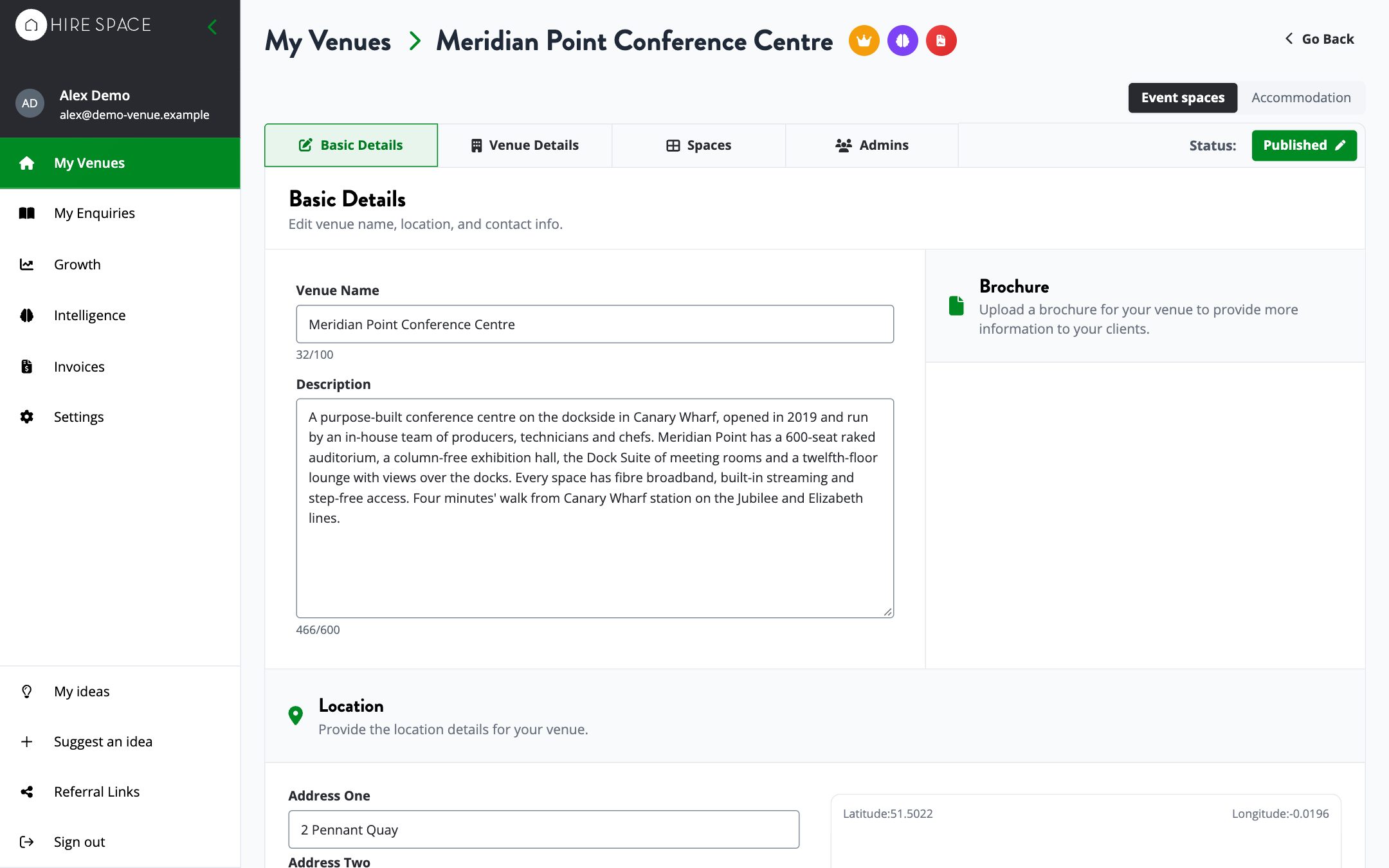
Qualification criteria are your rules for which enquiries you want, written in plain English. Enquiries that don't meet them should be filtered out before they reach you, so the ones you get fit. Any admin of your venue can set them, for the whole venue or for one space. Open your venue from My Venues. Next, click Venue Details. Scroll to Qualification criteria. Write your rules the way you would explain them to a new member of staff, such as your minimum guest numbers or event types you never accept. They filter enquiries for any space that has no criteria of its own. When you're done, scroll to the bottom and click Update venue details. To give one space its own criteria, click Spaces. Choose the space, here The Quay Hall. Next, click Pricing. Scroll to Qualification criteria and write the rules for this space. For that space, they take priority over your venue criteria. Then click Update qualification criteria. Your criteria are saved. They're internal, so clients never see them. If an enquiry is filtered out, the client is told your venue can't host their brief and is shown alternatives. Review your criteria every three months. If enquiries that don't fit still reach you, email venues@hirespace.com. The full steps are in the help article.
Qualification Criteria are your rules for which enquiries you want, written in plain English. Enquiries that don’t meet them should be filtered out before they reach you. Any admin of your venue can set them, whatever your plan.
What to write
Write your rules the way you would explain them to a new member of staff. For example:
- “Minimum 30 guests. We don’t take any enquiries below that.”
- “No weddings or 18th birthdays. We’re a corporate-only venue.”
- “Minimum budget £5,000 for evening hire, £2,500 for daytime.”
- “We only do Christmas parties between Tuesday and Thursday in December.”
- “No drinks-only events. Every booking must include catering.”
Be specific. “We’re selective about events” doesn’t help us. “We only accept corporate events of 50 or more guests, no socials” does. Most venues set rules on minimum guest numbers, the event types they accept and a minimum budget, but you can write anything that shapes the enquiries you want.
Best practice
- Be realistic, not aspirational. Write rules for the events you would accept, not only the ones you would prefer. Rules that are too tight cut out good business, and rules that are too loose let mismatches through.
- Use space criteria for any space that differs from the rest. A 200-seat theatre and a 10-person boardroom shouldn’t share a minimum guest number.
- Don’t worry about the exact wording. Our system reads plain English and understands context, so “no weddings” also filters out a wedding brief that never uses the word.
- Review your criteria every three months. Too few enquiries can mean your rules are too tight. Too many mismatches can mean they are too loose. Your Growth Dashboard helps you spot the pattern.
Before you start
- Decide the smallest event you would really take, and any event types you never accept.
Set criteria for your whole venue
Venue criteria are the rules that apply to every space, such as your minimum guest numbers or event types you never accept. They filter enquiries for any space that has no criteria of its own.
- In the sidebar, click My Venues, then choose your venue.
- Open the Venue Details tab.
- Scroll to Qualification criteria and write your rules.
- Scroll to the bottom of the page and click Update venue details.
Set criteria for one space
Give a space its own criteria when it differs from the rest of your venue. For that space, they take priority over your venue criteria.
- In the sidebar, click My Venues, choose your venue and open the Spaces tab.
- Choose the space and open its Pricing tab.
- Scroll to Qualification criteria and write the rules for this space.
- Click Update qualification criteria.
Good to know
- Space criteria take priority over venue criteria for that space. If your venue minimum is 50 guests but one space is a small boardroom, give the boardroom its own lower minimum.
- If you set venue criteria only, they apply to every space. If you set criteria on one space only, the other spaces have no filtering.
- New rules apply from the next enquiry. Enquiries you already have are not filtered again.
- Criteria filter enquiries clients send through hirespace.com and Hire Space 360. Venues our team adds to a Concierge enquiry are not filtered.
- If the check can’t run for any reason, the enquiry still reaches you rather than being lost.
- Filtered enquiries don’t appear in My Enquiries at all.
- Your criteria are internal. If an enquiry is filtered out, the client is told your venue can’t host their brief, with a short reason (capacity, event type or budget), and is shown alternatives. They never see your criteria.
- Criteria filter on fit. Instant Quotes help with price, by showing clients an estimated range before they enquire. Used together, the enquiries you receive fit on both.
Troubleshooting
I’m still getting enquiries that don’t fit.
Check the space has no criteria of its own that override your venue rules, and make your wording more specific. If it keeps happening, email venues@hirespace.com with an example enquiry reference.
Still need help?
Email the venue team and we will get back to you.