Guided tour
Not receiving enquiry emails
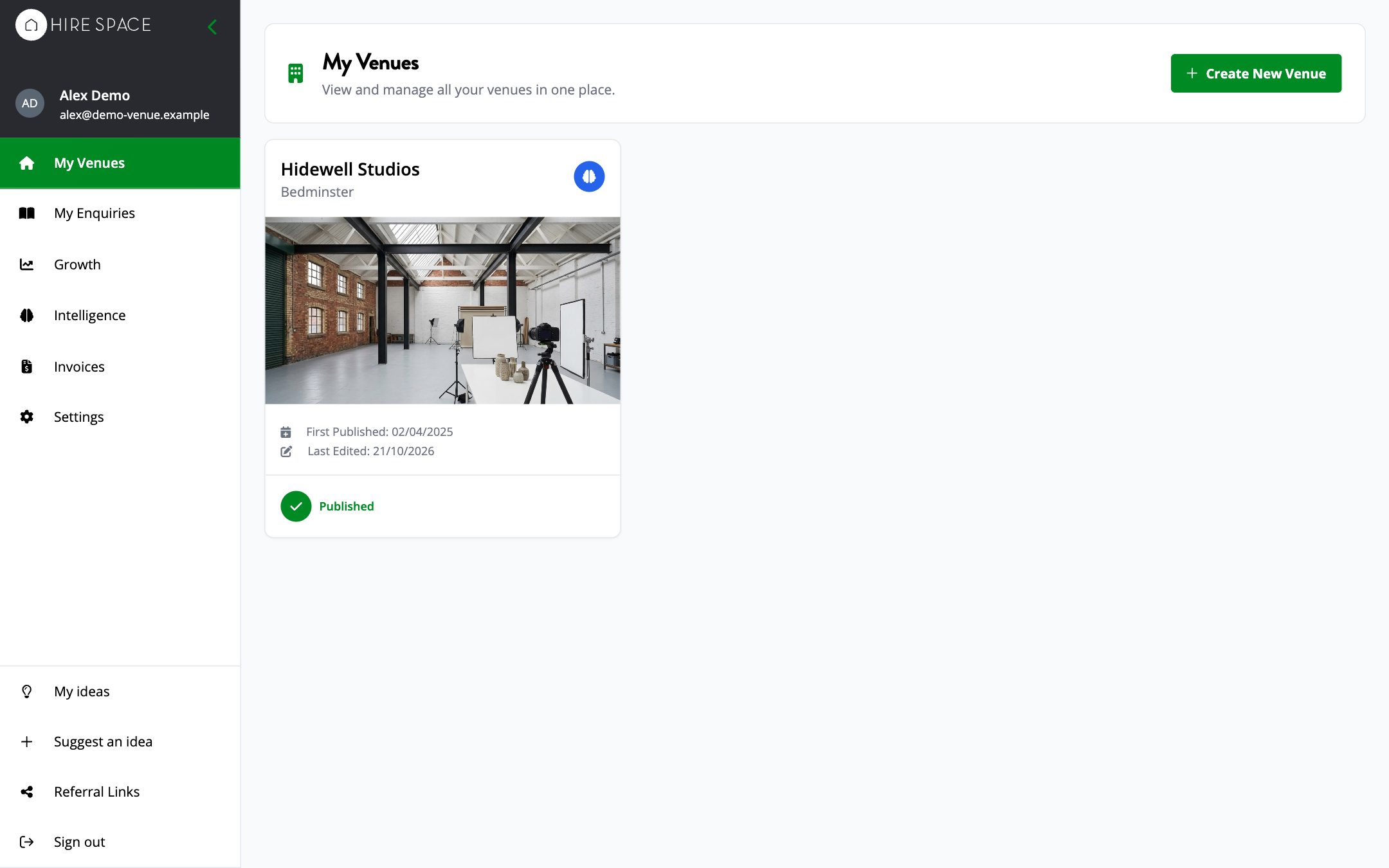
If enquiries or notifications from Hire Space aren't reaching you, this short tour shows where to find your enquiries in the meantime and how to check your admin roles. Click the highlighted parts of the screen to move on, or use the arrow keys.
Read the video transcript
If enquiries or notifications from Hire Space aren't reaching you, the cause is usually your admin roles, a spam filter or a mailbox rule. Any admin with a login for your venue dashboard can check. Here's where to find your enquiries in the meantime, and how to check your roles. You can always see every enquiry in your dashboard. In the sidebar, click My Enquiries, then click Direct Enquiries. Concierge requests are under Concierge Enquiries. Nothing is lost while you fix your email. Start with your admin roles, because they decide which emails you receive. In the sidebar, click My Venues, then choose your venue. Next, open the Admins tab. Find your name in the list. Check you have Fast Track for direct enquiries, and Concierge for Concierge requests. Add Invoices if you need invoice emails too, or Marketing if you look after your venue's marketing. If your roles are right, check your spam or junk folder, and any mailbox rules that move or delete emails. Then ask your IT team to allow Hire Space emails. If a chaser names an enquiry you never saw, type the reference from the email subject into Search by Reference. The full checks, and a message you can send your IT team, are in the help article.
If enquiries or notifications from Hire Space aren’t reaching you, the cause is usually your admin roles, a spam filter or a mailbox rule. Work through the checks below in order.
Who can use it
- Any admin of the venue. You need an admin login to check roles on the Admins tab.
Before you start
- You can always see every enquiry in your dashboard. In the sidebar, click My Enquiries, then Direct Enquiries or Concierge Enquiries. Nothing is lost while you fix your email.
1. Check your admin roles
Start here, because your admin roles decide which emails you receive.
- In the sidebar, click My Venues, then choose your venue.
- Open the Admins tab and find your name.
- Check you have Fast Track for direct enquiries and Concierge for Concierge requests. Add Invoices if you need invoice emails too, or Marketing if you look after your venue’s marketing.
See Manage admins to change roles.
If nobody at your venue was set up to receive enquiries, adding an admin fixes it for enquiries already waiting too. Any direct enquiry still waiting to be sent to your venue is sent to the new admin, as long as the event date hasn’t passed.
2. Check your spam or junk folder
If you find an email from Hire Space there, mark it as “not spam” or “not junk” so future emails reach your inbox. Direct enquiries arrive under the client’s name, sent from a Hire Space reply address, so search for the client’s name as well as “Hire Space”.
3. Check shared mailboxes and rules
- If colleagues share the mailbox, check nobody is deleting or moving the emails.
- Check for rules or filters that delete or archive emails. A previous owner of the mailbox may have set one up.
4. Ask your IT team to allow Hire Space emails
Strict company email filters are the most common cause. Send your IT team this message:
Hello,
We list our venue on Hire Space and need to receive their enquiry and notification emails. Please allow emails from these domains so they are not blocked or sent to spam:
- hirespace.com
- reply.hirespace.com
- juro.com (contracts and agreements to sign)
- signatureapi.com (our venue terms to sign)
- post.xero.com and xero.com (commission invoices)
Thanks
These emails always name Hire Space and quote a reference.
Troubleshooting
We get chasers but never saw the original enquiry.
The enquiry usually went to whoever held the Fast Track or Concierge role at the time. Check the roles in step 1. Then open Direct Enquiries or Concierge Enquiries and type the reference from the email subject into Search by Reference. The search only covers the status and date range you have chosen, so widen both if nothing comes up. See An enquiry or email you don’t recognise.
I’ve done all four checks and still get nothing.
Email venues@hirespace.com. Tell us which email address should receive enquiries and which of the checks above you have done, and we’ll look into it.
Still need help?
Email the venue team and we will get back to you.