Guided tour
Shape your Instant Quotes
How the price estimates clients see for your venue are built, and the three things you can do to make them more accurate. Click the highlighted parts of the screen to move on, or use the arrow keys.
Read the video transcript
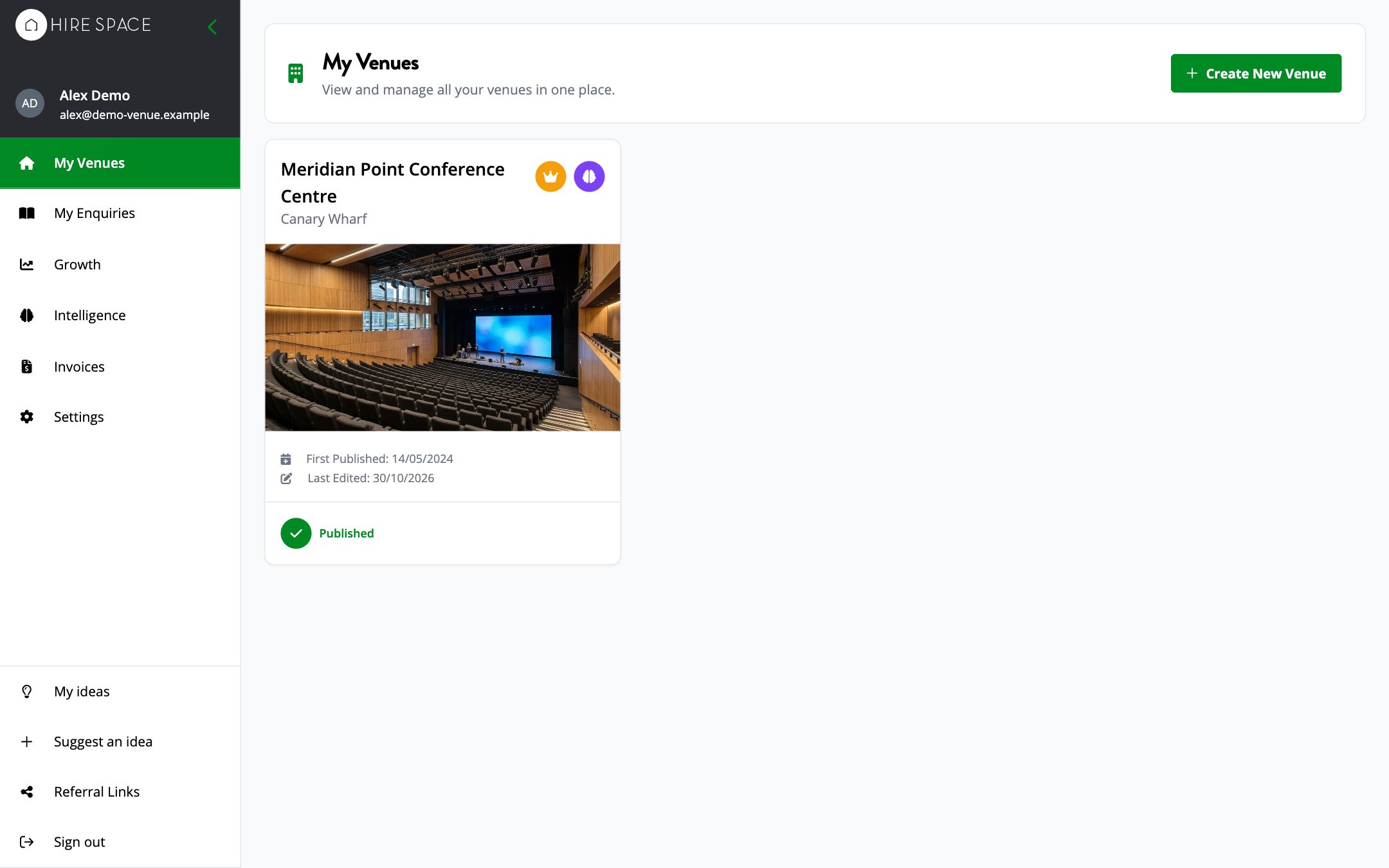
An Instant Quote is an estimated price range for an event at your venue, shown to a client who has told us about their event. It's an estimate, not a fixed quote, and it doesn't commit you to a price. Instant Quotes are created for every venue automatically, with nothing to set up. You don't edit the estimate directly, but you shape it. Here's how. In the sidebar, click My Venues, then choose your venue. Start with your Private Pricing Notes. Click Venue Details and scroll to Private pricing notes. This is the main lever. Use them for pricing rules we can't see on your public listing, such as weekend discounts or off-peak rates. They are never shown to clients. Next, keep your public pricing up to date. Click Spaces, then choose the space, here The Meridian Auditorium. Next, click Pricing. Package prices, room hire rates and minimum spends on your listing all feed the estimate. And keep quoting on enquiries in My Enquiries. Your real quotes are the best input. The more you quote, the more the estimate reflects your actual prices. Here's what a client sees on your space's page, after they've given their event brief and contact details. An estimated total, always as a range rather than one figure. Underneath, a line says what it's based on. Based on 14 similar events means it draws on past quotes your venue has given. You still quote and contract as normal. The full details are in the help article.
An Instant Quote is an estimated price range for an event at your venue, shown to a client who has told us about their event. It is an estimate, not a fixed quote, and it doesn’t commit you to a price.
Why it helps
A client who has seen a realistic price before enquiring knows roughly what you cost. That means fewer enquiries that fall apart over price, and the ones that reach you are more likely to book. Qualification Criteria do the same job for fit: size, event type and your own rules.
What clients see
The client sees the estimate on your space’s page on hirespace.com, after filling in the Instant Quote form. It shows an estimated total for their event, always as a range rather than one figure, with the priced items behind it and a link to the full breakdown. Underneath, a line says what the estimate is based on:
- “Based on 12 similar events” means it draws on past quotes your venue has given.
- “Based on similar venues” means we have no past quotes from you yet, so the estimate uses your other pricing information or comparable venues. It also shows when the estimate leads with a different space at your venue that suits the brief better.
Clients only see an estimate after they have given their contact details and their event brief. By the time they see a price, they have already told us what they are planning.
How is the estimate built?
Our pricing engine uses the best evidence it has, strongest first:
- Your own past quotes for similar events.
- Your pricing on Hire Space: the pricing on your published listing.
- Your Private Pricing Notes.
- Prices you publish elsewhere online.
- Comparable venues, when there is little else to go on.
It also takes account of the event itself: the season, event type, guest numbers and other details from the client’s brief. The more real quotes we have from your venue, the more the estimate leans on your own numbers.
How can I make my estimates more accurate?
You don’t edit the estimate directly, but you shape it:
- Add Private Pricing Notes. This is the main lever. Use them for pricing rules we can’t see on your public listing, such as weekend discounts, off-peak rates, what your packages include or package thresholds. They are never shown to clients.
- Keep your public pricing up to date. Package prices, room hire rates and minimum spends on your listing all feed the estimate. See Set your pricing.
- Keep quoting on enquiries. Your real quotes are the best input. The more you quote, the more the estimate reflects your actual prices.
Good to know
- Instant Quotes are created for every venue automatically. There is nothing to set up, and you can’t switch them off or set your own range.
- There is nothing to preview, because each estimate is built from one client’s brief. To see one, run a test enquiry on your own live profile.
- Clients never see your individual past quotes, costs or margins. They see the estimated range, the priced items in it and what it is based on.
- You still quote and contract as normal.
Troubleshooting
My estimate looks too high or too low.
Add or update your Private Pricing Notes with the reasons behind your pricing, check your public pricing and keep quoting on enquiries. All three sharpen the range over time.
My estimate says “Based on similar venues”.
We have no past quotes from you yet, so the estimate uses your other pricing information or comparable venues. It shifts towards your own data as you quote on more enquiries. You’ll also see it when the estimate suggests a different space at your venue than the one the client asked about.
Still need help?
Email the venue team and we will get back to you.