Guided tour
Propose alternatives and win more business
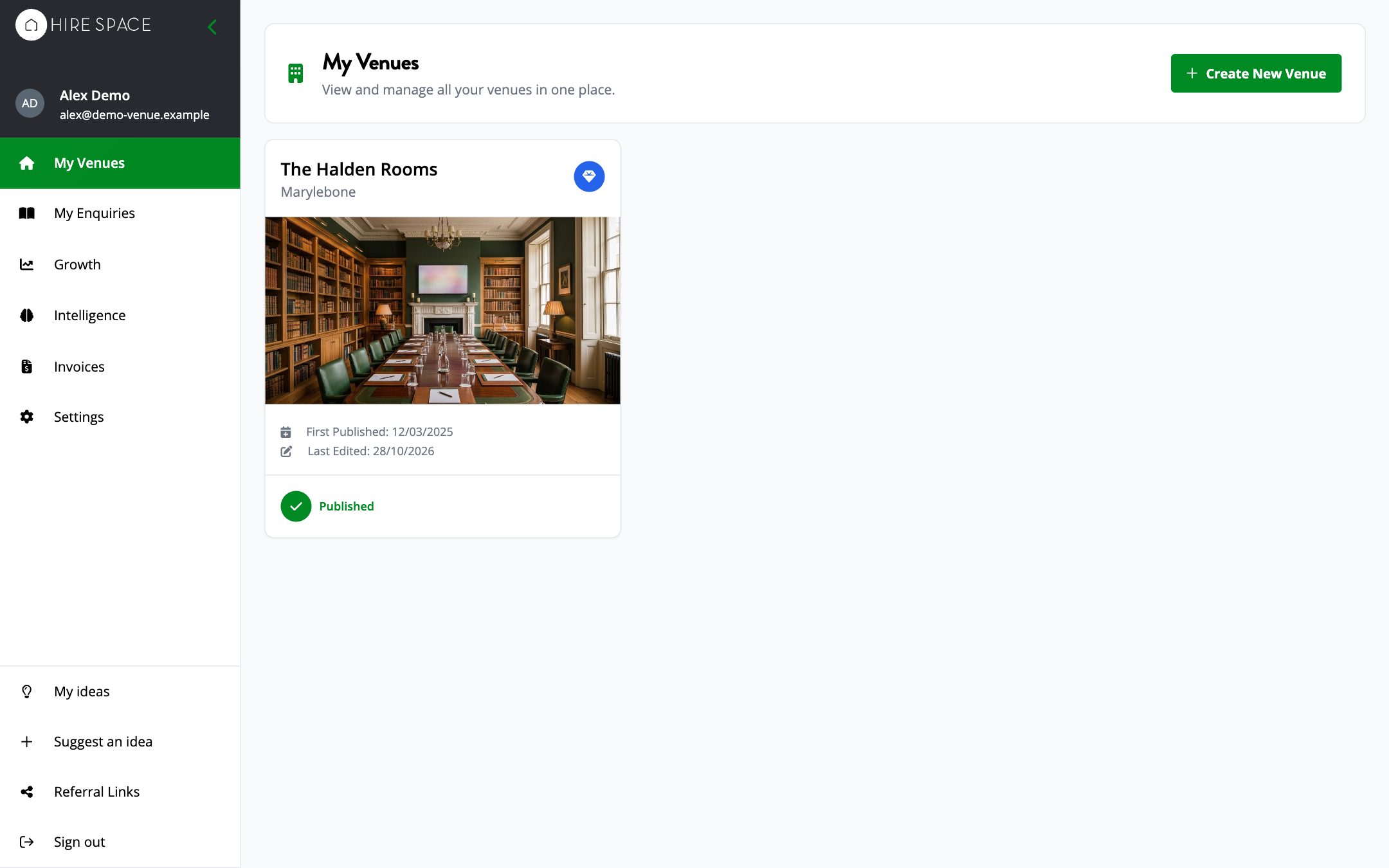
When a client's first request doesn't work, suggest another space or date that does. This short tour shows where to find what the client asked for and what you can offer instead: click the highlighted parts of the screen to move on, or use the arrow keys.
Read the video transcript
An enquiry you can't take as asked isn't lost yet. When the client's first request doesn't work, suggesting another space or date that meets their needs can turn it into a booking. You need an admin login for your venues. Here's where to find what you need. In the sidebar, click My Enquiries, then click Direct Enquiries. Click the enquiry's row. First, understand what really matters to the client: their goals, budget, guest numbers and style. Here they want the Drawing Room for sixty guests, on a date it's already booked. You'll send your suggestion by email, so click Copy Beatrix's email. The client's reply address is copied, ready to paste into your email. Then think about what else you can offer. Suggest another space that meets the same needs, and say what it does better. If the date is taken, offer a few dates as close to the original as you can. Back it up with photos, floor plans and a short description of how it can be set up. Then paste the client's address into a new email, and present your idea as a solution. For example: our main hall is booked on your date, but our garden room is a more intimate setting for sixty guests. If they say no, stay positive. And if you really can't help, decline the enquiry so the client can move on. The help article has more tips.
An enquiry you can’t take as asked isn’t lost yet. Suggesting another space or date that meets the client’s needs can turn it into a booking.
Who can use it
- Anyone who receives your venue’s enquiry emails can reply with an alternative. To use My Enquiries, you need an admin login for the venue.
Why propose alternatives?
- Keep the lead. A good enquiry doesn’t have to slip away because the first request isn’t a perfect match.
- Show you’re flexible. Clients remember venues that worked to find a solution.
- Win more revenue. You turn enquiries that would have been lost into bookings.
Suggest an alternative that works
- Understand what really matters to the client. Before you suggest anything, be clear on their goals, budget, guest numbers and style, so your suggestion is relevant.
- Suggest another space. If the requested space is booked or unsuitable, offer one that meets the same needs, and say what it does better.
- Offer other dates. If the date is taken, give a few options as close to the original as you can.
- Show how it adapts. Mention similar events you have held in that space or on those dates.
- Back it up with detail. Add photos, floor plans and a short description of the alternative and how it can be set up.
- Present it as a solution. For example: “Our main hall is booked on your date, but our garden room is a more intimate setting for 60 guests and can be styled to match your theme.”
- Stay positive if they say no. A helpful reply leaves a good impression and can lead to the next booking.
Send your alternative to a direct enquiry
There’s no separate button for alternatives: you send them to the client by email, in the enquiry thread.
- Reply to the enquiry email from Hire Space, or in the sidebar click My Enquiries, then Direct Enquiries, click the enquiry and click Copy [name]‘s email.
- Write your suggestion, attach photos or a floor plan of the alternative and send it.
See Respond to a direct enquiry for the full steps.
Suggest another space in a Concierge request
When an account manager asks for a quote, you can offer a different space in your reply.
- In the sidebar, click My Enquiries, then Concierge Enquiries. Click the enquiry’s row, then Respond to Brief.
- In the first box, choose the space you’re suggesting, and add photos or a floor plan under Attachments (optional). If Send Response doesn’t work after you choose a space, leave the first space selected and name the space in your message.
- In the large box, explain why it suits the client, then click Send Response.
Good to know
- If you really can’t help, decline the enquiry so the client can move on. See Decline an enquiry.
Still need help?
Email the venue team and we will get back to you.