Guided tour
Your Growth Dashboard
See how each of your Growth Core and Growth Prime venues is performing across bookings, enquiries and digital reach. This short tour shows you where to find the dashboard and what each card means: click the highlighted parts of the screen to move on, or use the arrow keys.
Read the video transcript
If your venue is on Growth Core or Growth Prime, Your Growth Dashboard shows how each venue is performing across bookings, enquiries and digital reach. Use it to see what your visibility is bringing in and what to improve. In the sidebar, click Growth. Next, click Your Growth Dashboard. Each Core or Prime venue has its own card. The figures cover the last 12 months up to today, and the exact dates are under the venue name. Booking Performance is the value of your enquiries marked as won on Hire Space, with the number of bookings and the average. Enquiry Performance adds up the budgets of the enquiries you received. Digital Engagement shows how many times your venue card was shown in search results, then the interactions and clicks it got. Total Value shows your Digital Value, the estimated worth of that reach, next to your Booking Value. If you're shown often but rarely clicked, review your main photo and description. If you get lots of enquiries but few bookings, look at your response times and quotes. To discuss your subscription, use the contact link at the bottom of the card. Check the dashboard once a month so you spot trends early. The full details are in the help article.
Your Growth Dashboard shows how each of your Growth Core and Growth Prime venues is performing across bookings, enquiries and digital reach. Use it to see what your visibility is bringing in and what to improve.
Who can use it
- Growth Core and Growth Prime venues. See Free listing, Growth and Intelligence.
- To upgrade, book a call with our team, or click Upgrade Now on any Growth upgrade prompt in your dashboard, then Book a Meeting.
Why it helps
- You can see what your listing brings in. Reach, enquiries and bookings sit side by side for each venue, so you can judge what your Growth plan is doing for you.
- Your marketing team can see where planners drop off. If your venue is shown often but rarely clicked, the problem is likely your photos or description, not your visibility.
- Your sales team can check conversion. Comparing enquiries with bookings shows whether to work on response times and quotes.
- Groups can compare venues. Each venue has its own card, so you can see which ones need attention.
What the cards show
Booking Performance
- Total Booking Value: the combined value of your enquiries marked as won on Hire Space.
- Bookings: the number of enquiries marked as won.
- Average: your average booking value.
Enquiry Performance
- Total Enquiry Value: the combined budgets of the enquiries you received.
- Enquiries: the number of enquiries.
- Average: your average enquiry value.
Digital Engagement
- Total Impressions: how many times your venue card was shown in search results, category pages and similar-venue suggestions, counted once per search, whether or not the planner clicked.
- Interactions: the times a planner hovered over your venue card in search, category or similar-venue results.
- Clicks: clicks on your venue card plus visits to your venue and space pages.
Total Value
The large figure is your Digital Value and Booking Value added together.
- Digital Value: the estimated worth of the impressions, clicks and interactions your listing generates.
- Booking Value: the value of your bookings.
What the figures tell you
- High impressions but few clicks usually means your photos or description are not drawing planners in. Review your main photo and the first lines of your description.
- Rising impressions without more enquiries can mean your pricing or availability needs updating.
- Lots of enquiries but few bookings points to your response time and quote turnaround. Compare Booking Performance with Enquiry Performance to see your conversion.
- Check the dashboard once a month so you spot trends early.
Open Your Growth Dashboard
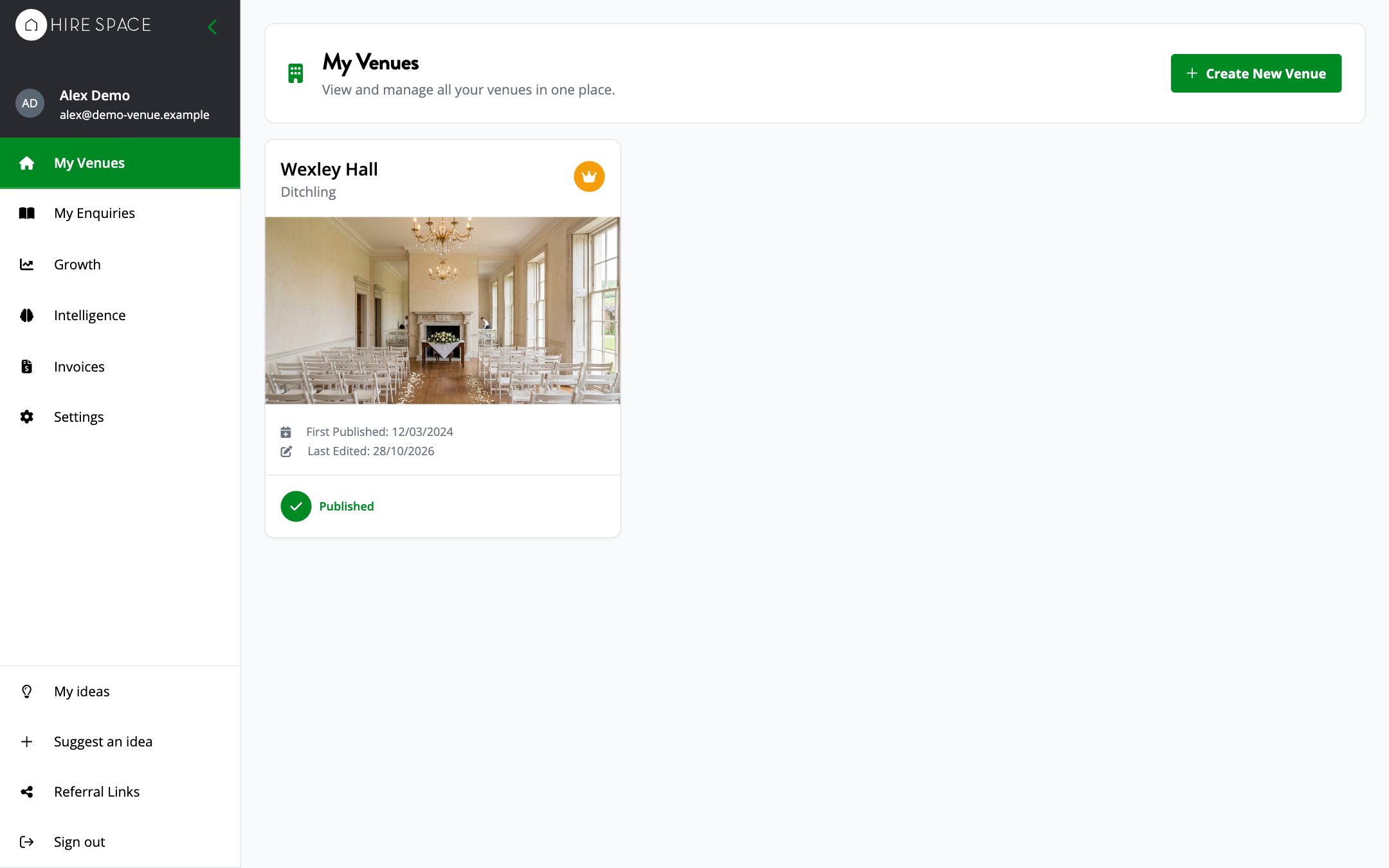
- In the sidebar, click Growth.
- Click Your Growth Dashboard.
Each Core or Prime venue has its own card. The figures cover the last 12 months up to today, and the exact dates are shown under the venue name.
Good to know
- Venues on a free listing appear under Your Free Listing Venues without performance figures, with a note pointing you to Growth Prime.
- Booking value only counts enquiries marked as won on Hire Space. Events booked directly with your venue after a Hire Space introduction may not appear.
- To discuss your subscription, use the contact link at the bottom of the venue card. It shows your account manager’s email, or promotions@hirespace.com if you don’t have one.
- The contact card at the top of the Growth page shows your account manager. If you don’t have one, it shows Your contact: Hire Space Promotions.
Still need help?
Email the venue team and we will get back to you.