Guided tour
Keyword Boost
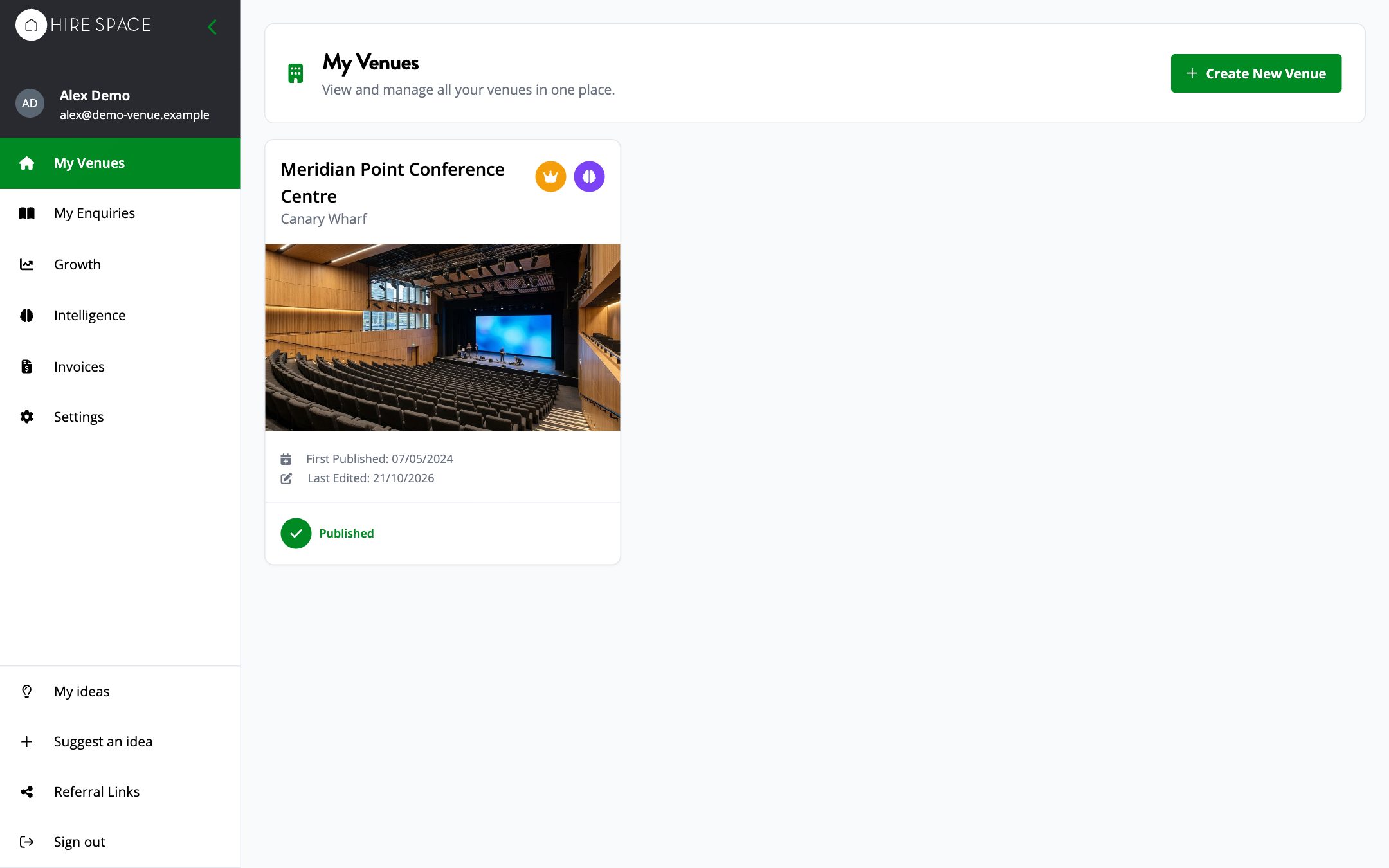
Choose up to 3 keyword tags for your Growth Prime venue. This short tour shows you where to find Keyword Boost, how to pick your tags and how to save them: click the highlighted parts of the screen to move on, or use the arrow keys.
Read the video transcript
If your venue is on Growth Prime, Keyword Boost lets you choose up to 3 keyword tags for it, to give it a boost in searches related to those tags. Tags cover event types, venue features and formats. In the sidebar, click Growth. Then click Keyword Boost. At the top of the page, click the venue you want to boost. Its card opens with the tag list. Click a tag to choose it. Christmas, Weddings and Product Launch are the most competitive tags. If you pick one, such as Product Launch, a warning explains that many venues compete for it. You can keep it or click Choose Different Category. To find a tag, type in the Search tags box. Then click it. Here, Hybrid. You can choose up to 3 tags that match your venue. When you're happy, click Save Changes. Your tags are saved. They're set per venue and apply to all its spaces. You can swap tags as often as you like, so rotate them through the year to match the season. Using 1 or 2 tags that fit is better than filling all 3, and back them up with your descriptions and photos. The full details are in the help article.
Keyword Boost lets you choose up to 3 keyword tags for each Growth Prime venue. In searches for those kinds of events, your pages that already suit the event get a boost. You can change your tags whenever you like.
Who can use it
Keyword Boost is available to Growth Prime venues.
Which tags you can choose
Tags cover event types, venue features and formats, for example:
- Event types: Christmas, Weddings, Conferences, Awards, Product Launch, Team Building, Private Dining, Meetings, Away Days.
- Venue features: Rooftop Bars, Venues with View, Outdoor Venues, Sustainable Venues, Dry Hire, Warehouse.
- Formats: Large Conference Venues, Hybrid, Gallery Hire, Theatre Hire, Cinema Hire.
How to choose the right tags
- Go specific. Christmas, Weddings and Product Launch are the most competitive tags, so the boost is shared across more venues. A specific tag such as Large Conference Venues or Hybrid faces less competition for the searches that suit you.
- Match your strengths. A venue known for its roof terrace will do more with Rooftop Bars or Outdoor Venues than with Meetings.
- Think seasonally. Swap tags to match what planners are booking. The seasonal marketing calendar suggests tags for each quarter.
- Back your tags up on your profile. Update your descriptions and photos to match the events you are promoting.
Choose your venue’s keyword tags
Pick up to 3 tags that best describe your venue, then save them.
- In the sidebar, click Growth, then Keyword Boost.
- At the top of the page, click the venue you want to boost.
- Open the venue’s card to see the tag list.
- Browse the tags, or type in the Search tags… box to find one.
- Click up to 3 tags that match your venue.
- Click Save Changes.
If you pick a highly competitive tag, a warning explains that many venues compete for it. You can keep it or choose a less competitive one.
Good to know
- Tags are set per venue and apply to all its spaces.
- Your boost applies to searches related to your tags shortly after you click Save Changes.
- Each venue in a group has its own 3 tags.
- Using 1 or 2 relevant tags is better than filling all 3 with tags that do not fit.
- There is no lock-in. You can swap tags as often as you like, so rotate them through the year to match the season, for example Christmas tags in the autumn and summer party tags in the spring.
Still need help?
Email the venue team and we will get back to you.