Guided tour
Proposal Reports
Generate and read a report comparing your proposal for one event with the other venues that proposed. Included in Intelligence Core. This short tour shows you around: click the highlighted parts of the screen to move on, or use the arrow keys.
Read the video transcript
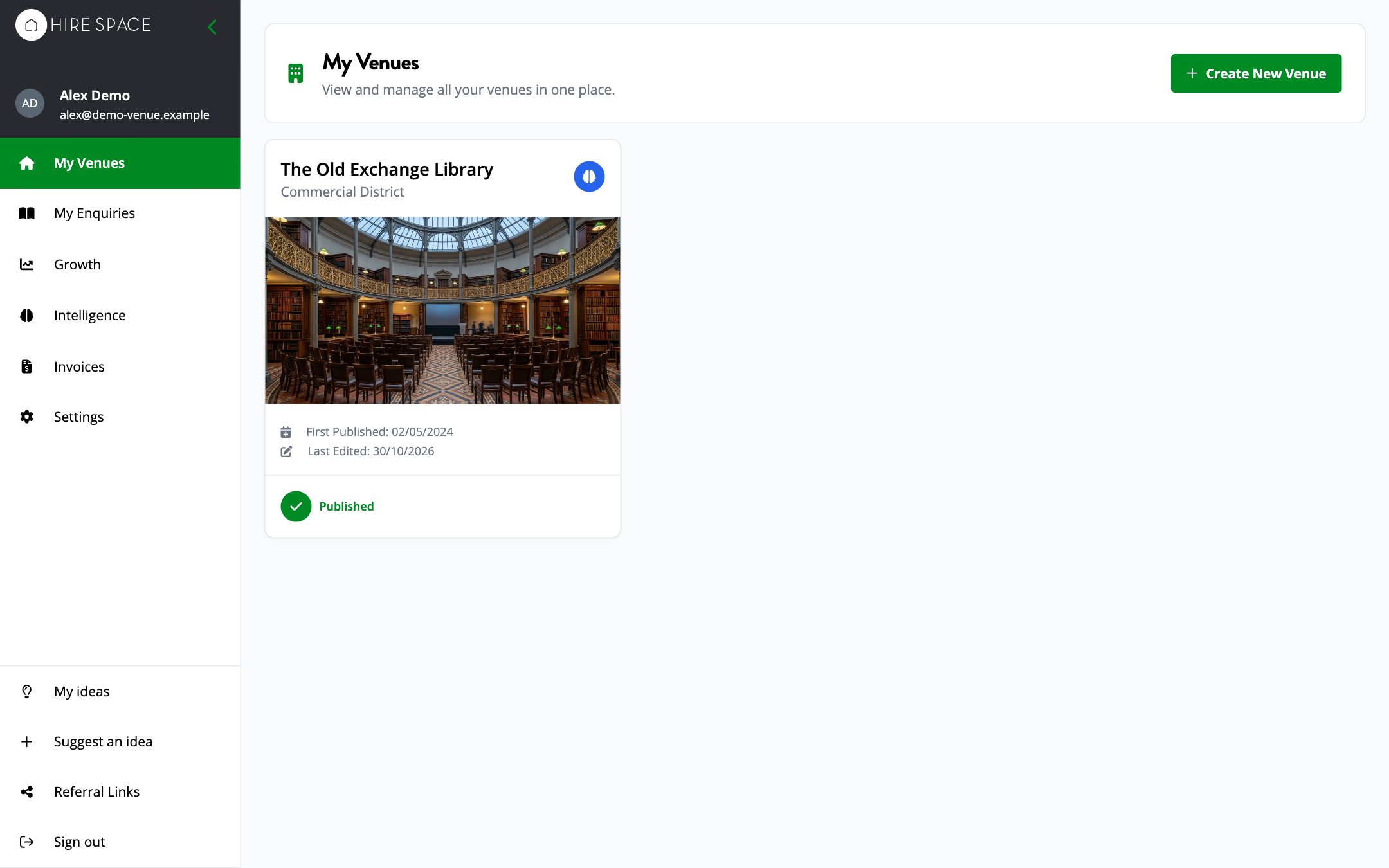
If your venue is on Intelligence Core, a Proposal Report compares your proposal for one event with the other venues that proposed, so you can see what to change. In the sidebar, click Intelligence, then Proposal Reports. The list opens on your generated reports, so open the Generated Reports menu and choose Proposals To Generate. Each row shows the budget, the number of guests and how many venues competed. Click Generate report. The report page opens, and the report fills in when it's ready. That can take a few minutes. Here's a finished report. Proposal Strength shows how suitable your venue is and how likely you are to win. Below, see where you sit on price, offering, location and margin, and how you compared with each competing venue. To save a copy, click the download button. The full details are in the help article.
A Proposal Report compares your proposal for one event with the other venues that proposed, so you can see why it won or lost and what to change next time. Your sales team sees how your price, package and location compared, instead of guessing from a client’s short reply.
Who can use it
- Proposal Reports come with Intelligence Core. Without it, you see a preview with the detail hidden. See Free listing, Growth and Intelligence for what each tier includes.
- Intelligence is sold separately from Growth, so you don’t need a Growth plan to use it.
- To upgrade, book a call with our team, or email venues@hirespace.com with any questions about your plan.
Why it helps
- You find out why a proposal won or lost. You see how your price, package and location compared with the venues that quoted for the same brief.
- You know what to change first. Each report ends with recommendations ranked by effort against impact.
- You can act while the enquiry is still open. You can generate a report for an enquiry that hasn’t been decided yet.
Before you start
- Reports come from the enquiries you quote for through Hire Space, so the more you quote for, the more reports you get.
- A proposal appears in the list once you have entered your proposal costs and at least 2 other venues have also proposed. The enquiry can still be open.
Generate a Proposal Report
- In the sidebar, click Intelligence, then Proposal Reports.
- If you already have reports, the list opens on Generated Reports. Open that menu and choose Proposals To Generate (or All) to see the events you can analyse.
- Find the event. Each row shows the Budget, the number of Guests and how many Competing venues there were.
- Click Generate report. The report page opens and shows Generating Your Report. It can take a few minutes.
- When it is ready, the report fills in on that page. You can also click Back to all reports and open it later by clicking its row.
Read a Proposal Report
- In Proposal Reports, click the row of a report to open it.
- At the top, read the event brief, the summary and the Top Strength and Top Weakness.
- Scroll down through the sections:
- Proposal Strength: how suitable your venue is for the brief, how likely your proposal is to win and the priority of the enquiry.
- Venue Performance Metrics: where your proposal sits on price, offering, location and margin.
- Competitor Overview: how your proposal compared with the competing venues on this enquiry.
- Competitive Analysis: a head-to-head comparison with each competing proposal. Click a competitor’s name to switch.
- Adopted Recommendations and Recommendations: see Adopted Recommendations.
- To save a copy, click the download button at the top right of the report. It saves a PDF.
What to look for
- Check your pricing. If your price stands out against similar briefs, look at what you could include, highlight or discount to close the gap.
- Compare your packages. See what competitors include and where you could add value.
- Fit the brief. Tailor future proposals so your venue reads as a strong match.
- Look for patterns. When the same reason keeps coming up, create a Strategic Report.
Good to know
- The focus, restrictions and margins you add in Intelligence settings give your reports context about your venue.
- You can ask for new reports to be made automatically in Intelligence settings.
Troubleshooting
I can’t see a Generate report button.
Your list is showing Generated Reports. Open that menu and choose Proposals To Generate.
An event I quoted for isn’t in the list.
It appears once you have entered your proposal costs and at least 2 other venues have proposed with costs.
Still need help?
Email the venue team and we will get back to you.